PixelCabinetPixelCabinet
StudioShowcaseStageGallery
Start Creating
PixelCabinetPixelCabinet
Studio
SkinsAll SkinsFeaturedPopularCategoriesColorsStylesColor Search
ShowcaseStageGallery
Start Creating
PixelCabinetPixelCabinet
StudioShowcaseStageGallery
Start Creating
PixelCabinetPixelCabinet
Studio
SkinsAll SkinsFeaturedPopularCategoriesColorsStylesColor Search
ShowcaseStageGallery
Start Creating
PixelCabinet/Skins/Minecraft Skins by Style

Browse · Style

Minecraft Skins by Style

Browse Minecraft skins by visual style. Find dark, light, pastel, vibrant, muted, monochrome, high contrast, warm tone, cool tone, earth tone, and neon skins.

Browse by ColorFind Skins by ColorAll Minecraft Skins

Popular style picks

Dark looks

Dark Minecraft Skins

Black, shadow, deep blue, dark red, and low-light skin palettes.

3,947 skins

Pastel looks
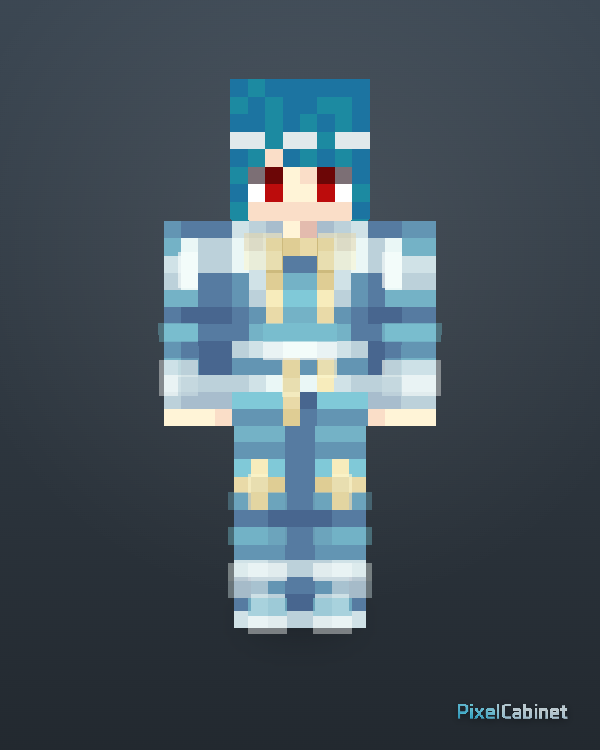
Pastel Minecraft Skins

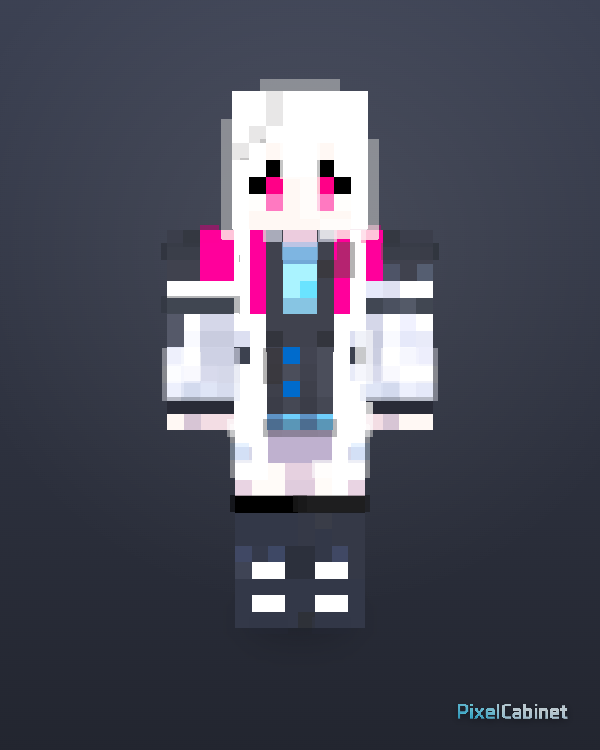
Soft pink, lavender, baby blue, cream, and low-saturation cute styles.

281 skins
Vibrant looks

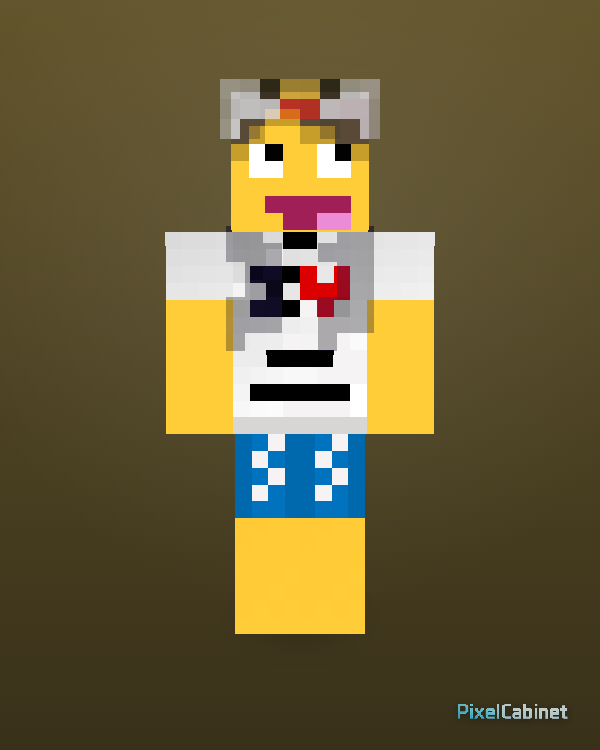
Vibrant Minecraft Skins

Strong colors, saturated outfits, bright accents, and eye-catching palettes.

3,030 skins

Neon looks

Neon Minecraft Skins

Bright cyan, magenta, green, purple, and glowing accent styles.

3,768 skins

Choose a visual style

Light Minecraft Skins

Bright, clean, soft, white, beige, and pale color palettes.

991 skins
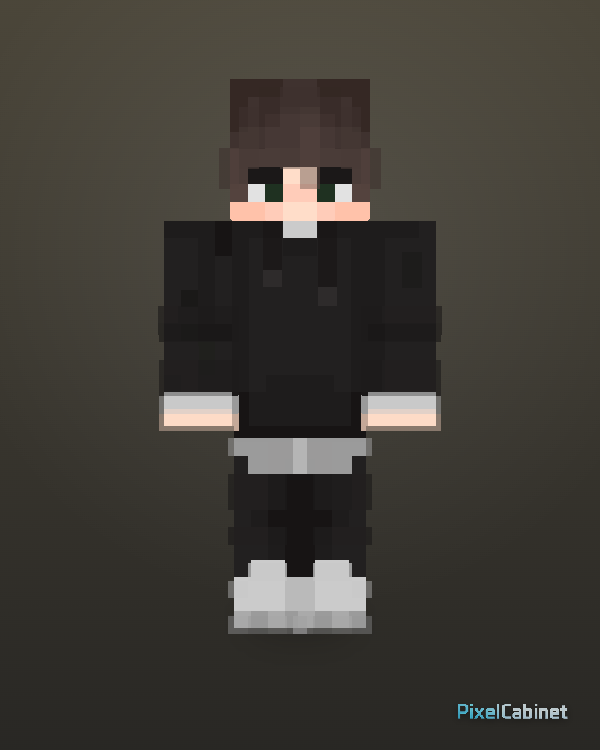
Muted Minecraft Skins

Soft, low-saturation, calm, grayish, and subtle color styles.

2,297 skins
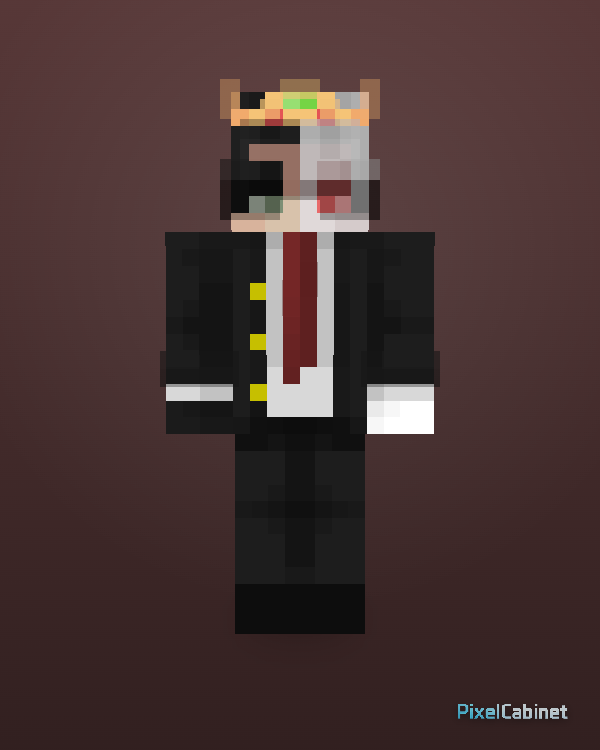
Monochrome Minecraft Skins

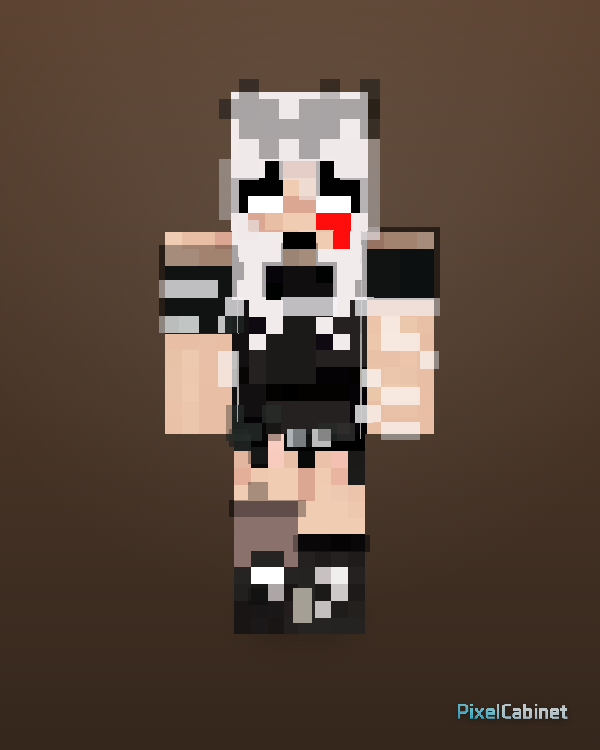
Black, white, gray, and single-tone skin palettes.

2,500 skins
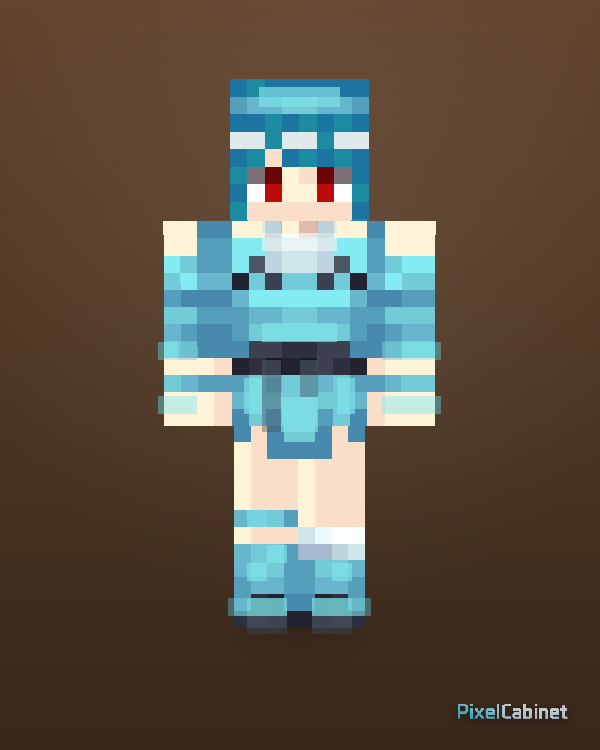
High Contrast Minecraft Skins

Strong light and dark contrast for readable, bold character designs.

4,426 skins

Warm Tone Minecraft Skins

Red, orange, yellow, brown, beige, and warm outfit palettes.

2,997 skins
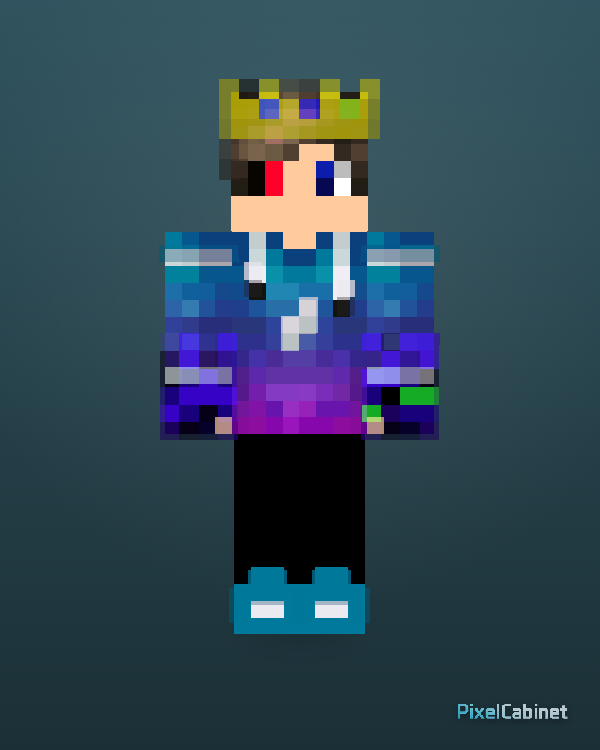
Cool Tone Minecraft Skins

Blue, cyan, green, purple, and cooler character palettes.

1,279 skins
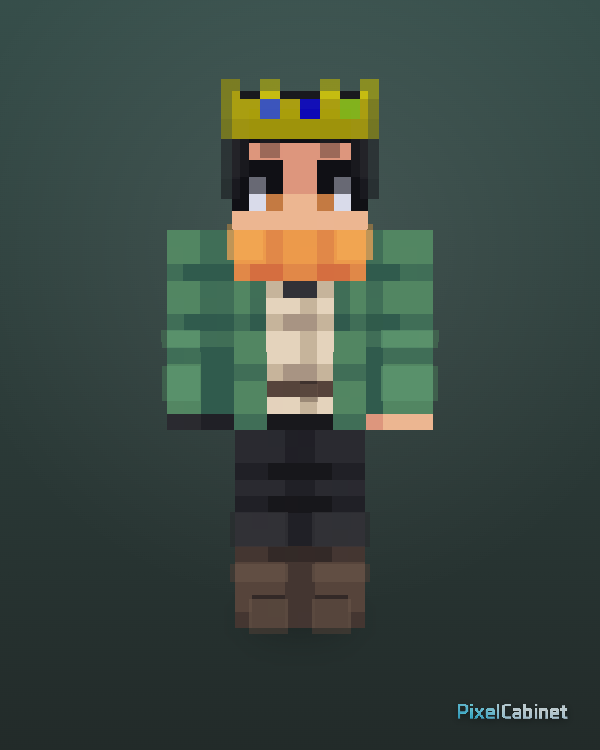
Earth Tone Minecraft Skins

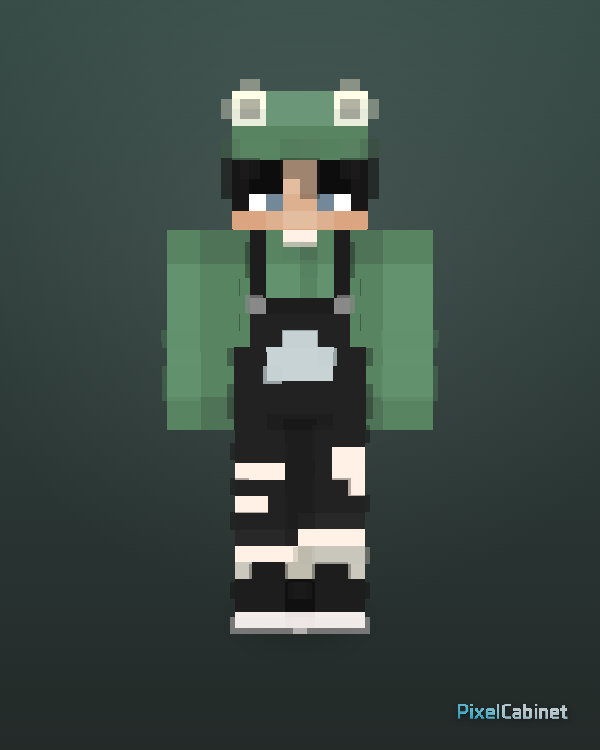
Brown, beige, olive, forest green, tan, and natural palettes.

1,050 skins

Looking for an exact color?

Use the color library for hue hubs, or jump into HEX search for palette-matched results.

Browse by ColorFind Skins by Color

How style matching works

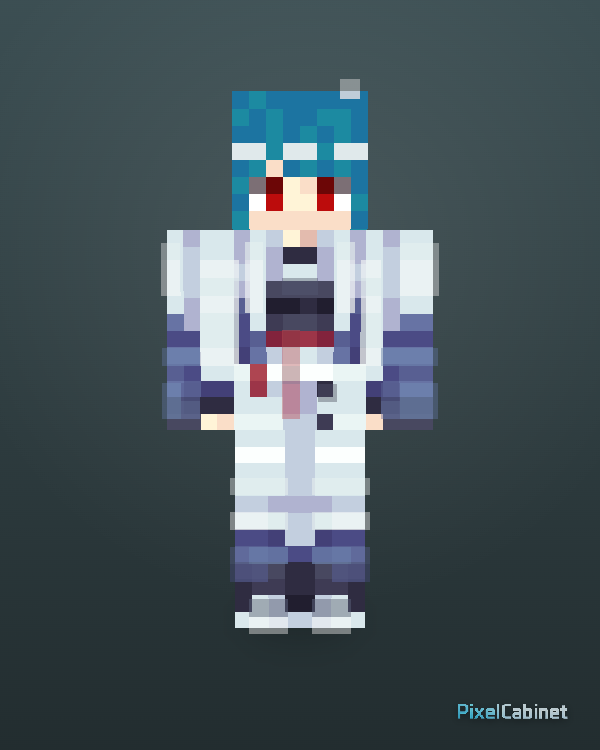
PixelCabinet reads each published skin PNG and estimates an overall visual style (dark, pastel, neon, warm/cool tones, and more). Style pages group skins that read similarly in game—not a single pixel color, but the whole outfit vibe.

FAQ

Is “style” the same as a skin category?
No. Categories are themes like anime or PvP. Styles describe the overall color vibe (dark, pastel, neon, warm/cool, and similar).
Is this the same as browsing by color family?
Color families focus on hues like blue or pink. Styles describe atmosphere—dark, high contrast, muted, and so on.
Can I still browse by HEX?
Yes. Open Find Skins by Color to search by HEX and see palette-close matches.
Do styles replace categories?
They complement each other. Use categories for character themes and use styles when you care about the overall visual look.