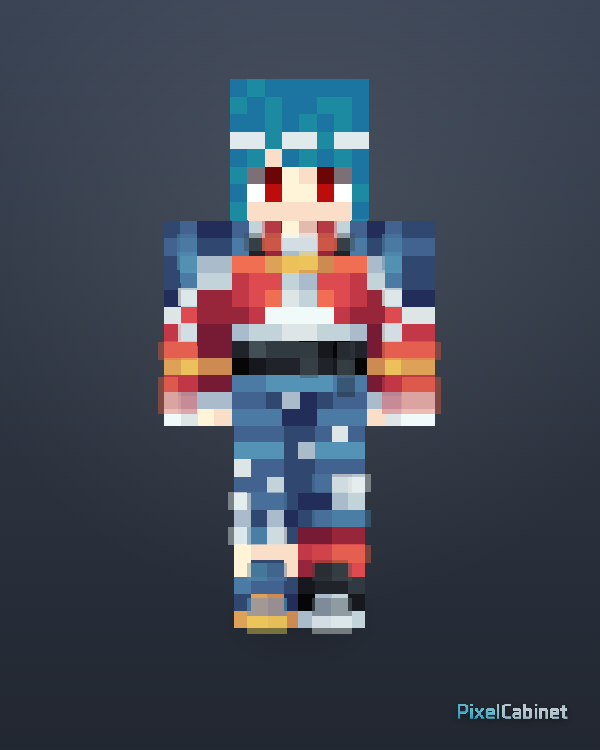
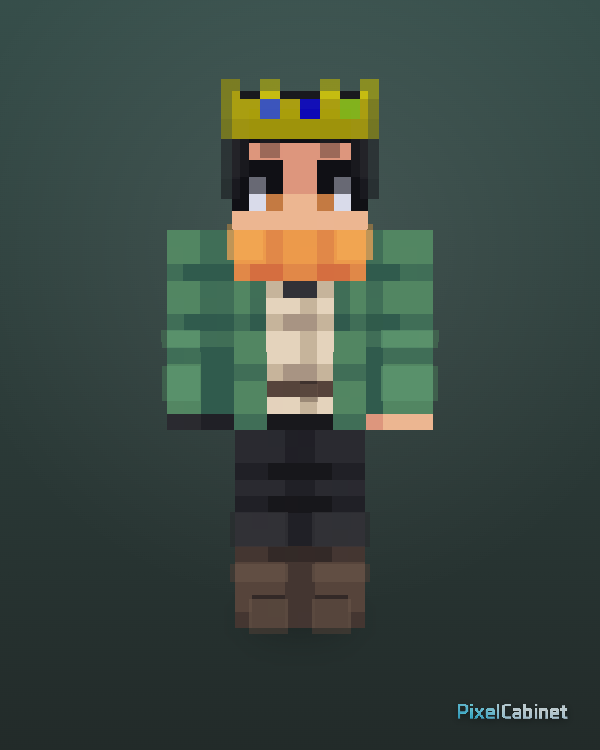
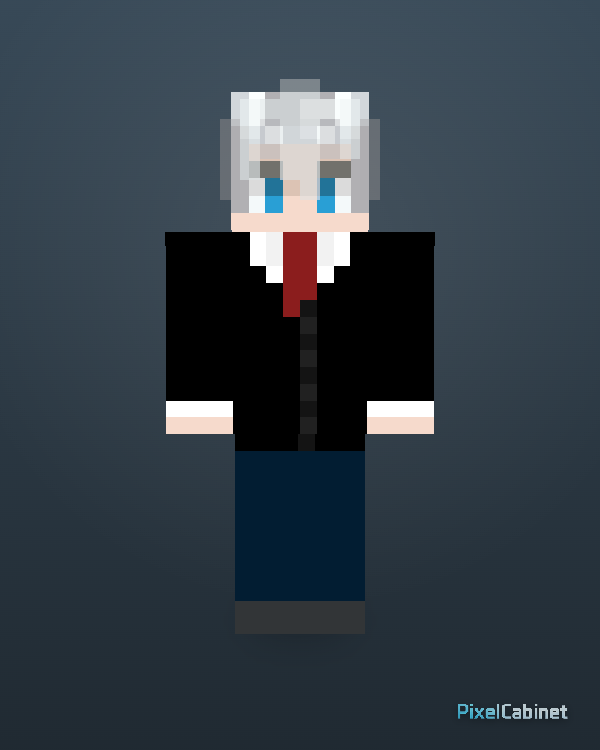
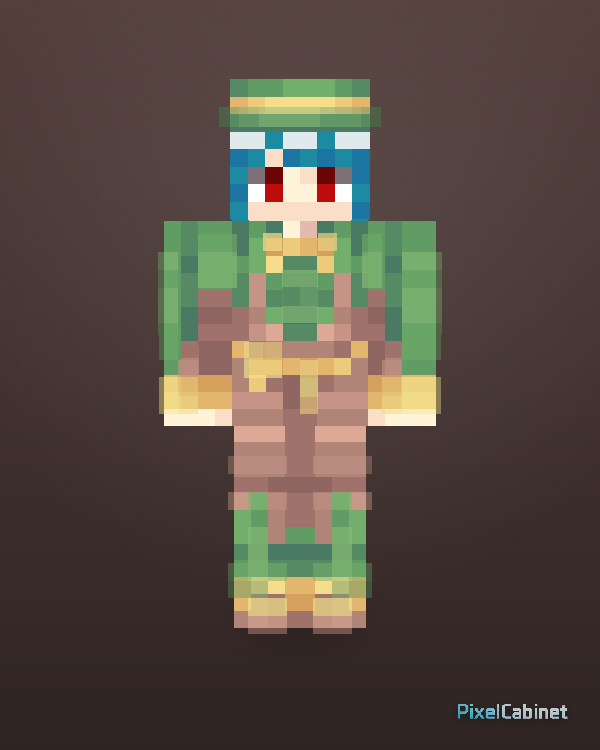
Featured
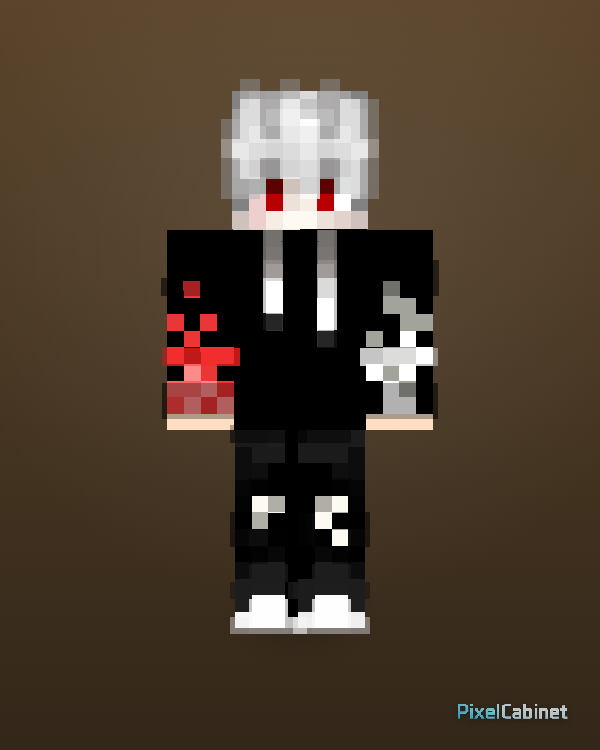
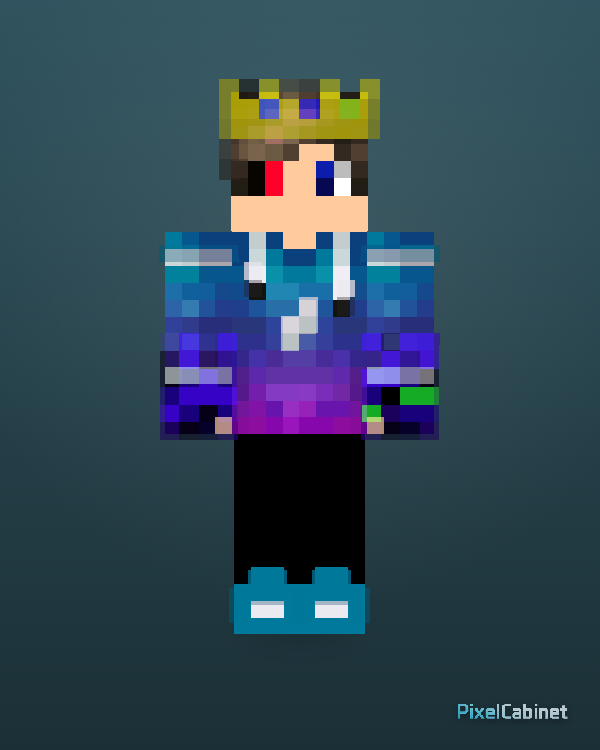
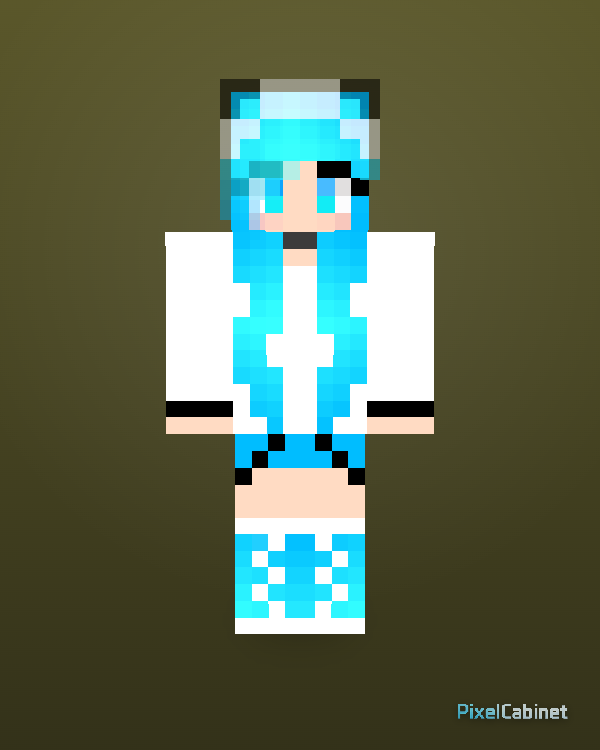
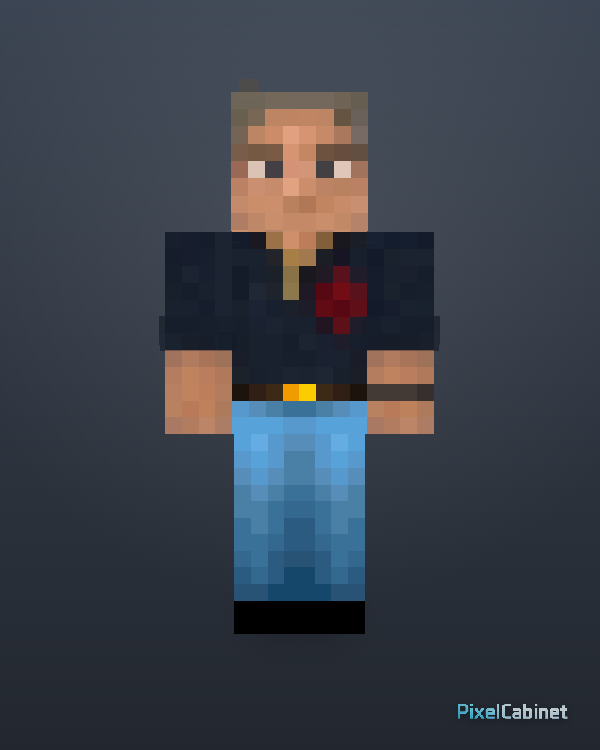
Explore featured Minecraft skins selected for clear design, strong 3D readability, remix potential, and clean 64×64 PNG downloads.
Curated picks with clear design, strong 3D readability, and good remix potential.
Featured
Browse selected skins with clear design, strong 3D readability, and good remix potential.
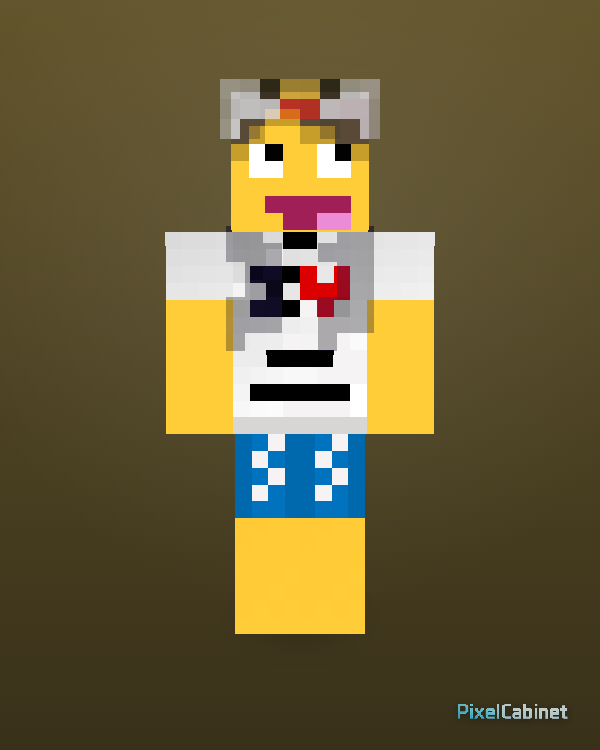
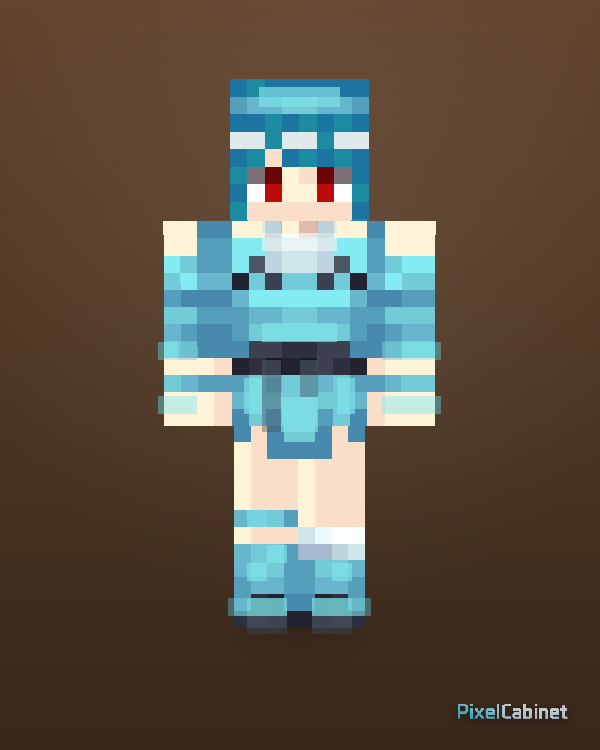
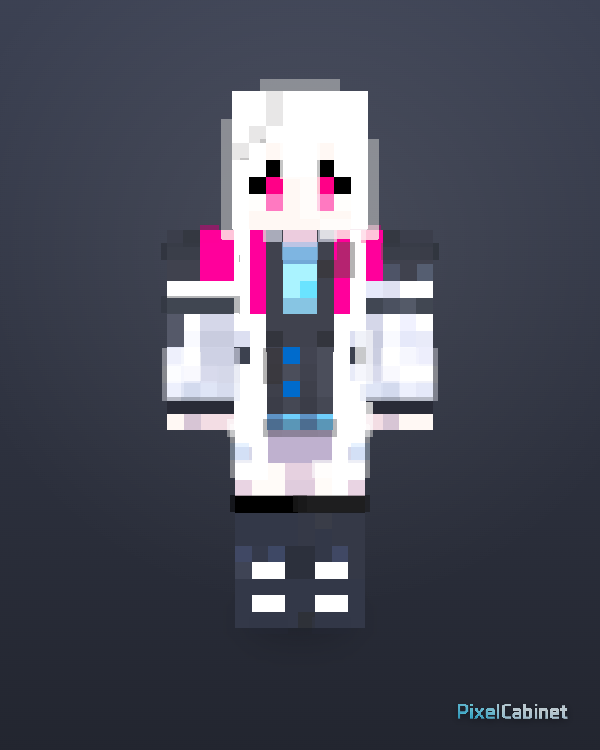
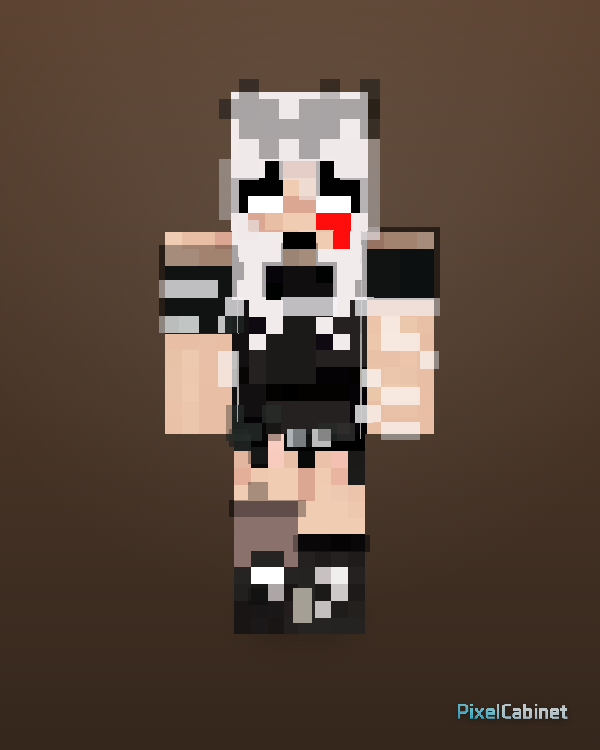
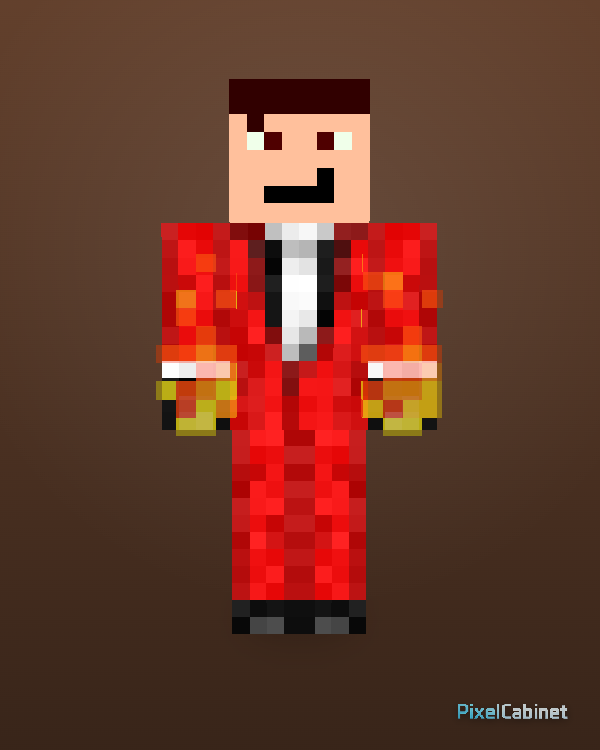
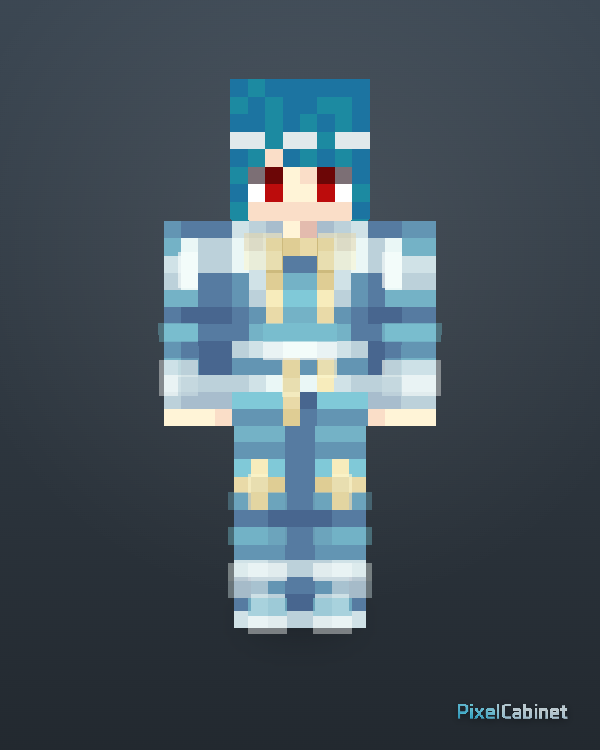
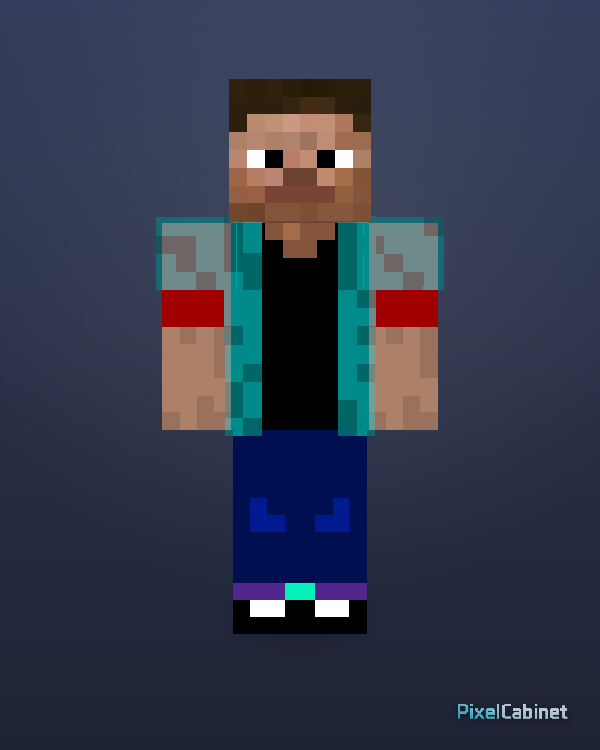
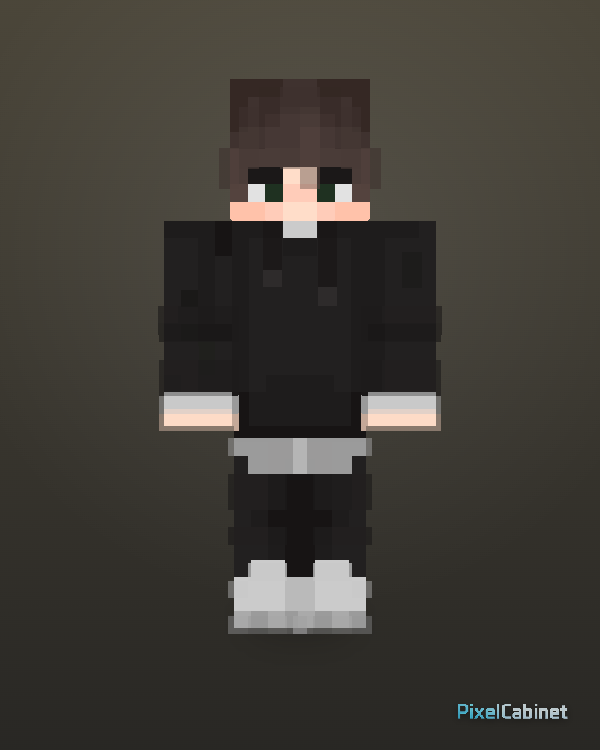
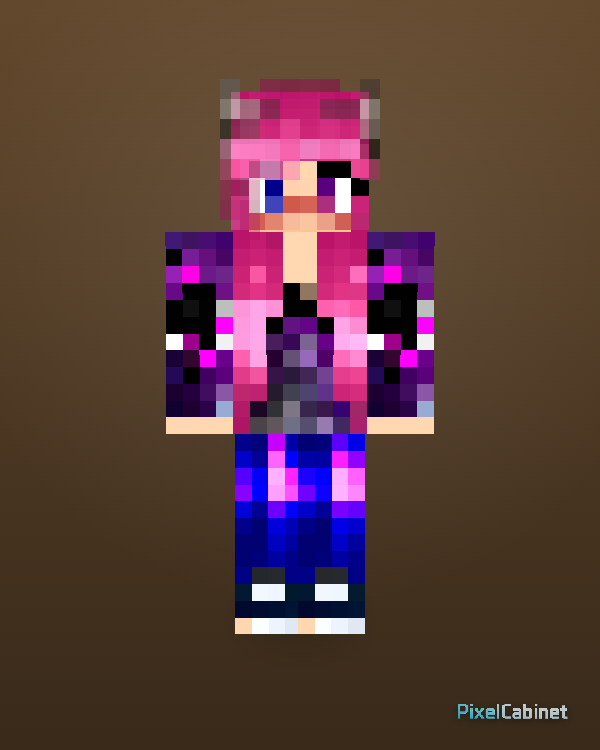
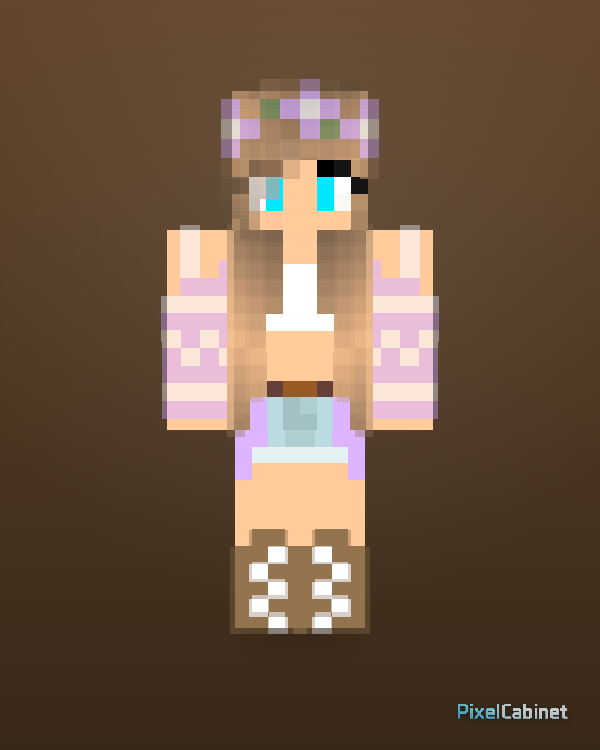
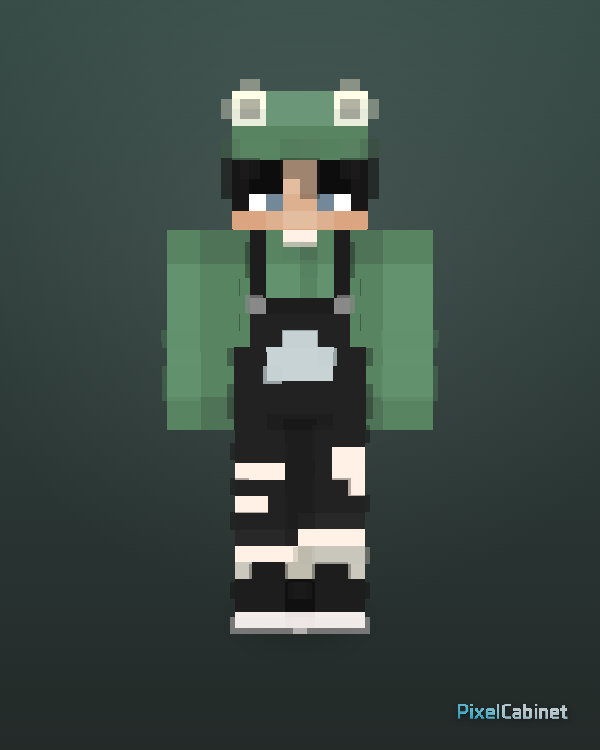
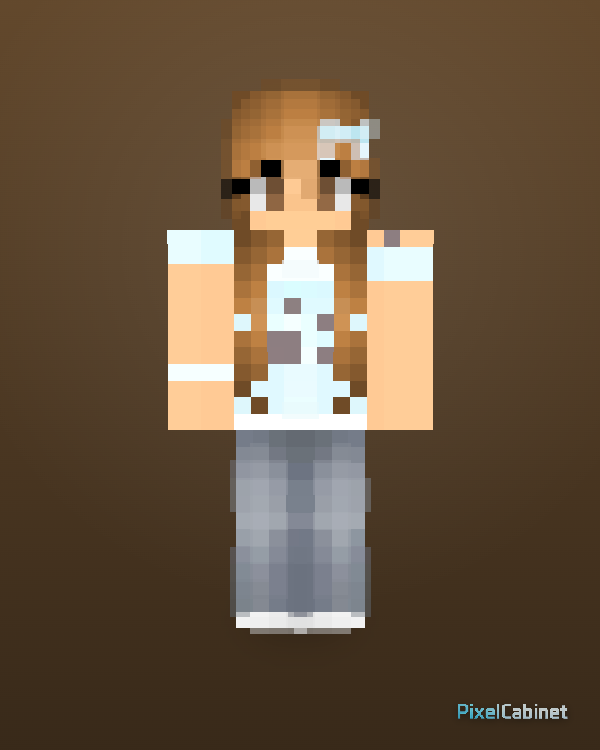
The featured feed is hand-selected for clear silhouettes, readable details in 3D, and remix-friendly structure. It is a strong starting point when you want high-quality references without filtering the entire library yourself.
Featured skins are chosen partly because they read well from multiple angles—important for thumbnails, gallery cards, and in-game visibility. Use them as benchmarks when you paint your own textures.
Use the interactive preview to inspect sleeves, hair layers, and accessories before you download. Featured designs often use outer-layer details that are easier to judge in rotation than on a flat UV grid.
Download a standard PNG for your game client, or open the skin in Studio when remix is enabled. Featured pages are meant to be practical references as well as inspiration.
When you need a spark—hero silhouette, outfit palette, or accessory layout—featured feeds compress browsing time by surfacing designs that already meet a quality bar.
Pick a featured skin that matches the body type you want, then remix to swap colors, add patterns, or rework clothing. You move faster than starting from an empty template when the base proportions already work.
Study featured skins for contrast, readable faces, and clean edges. Build yours in Skin Lab with 3D checks, add motion or props if needed, then publish—strong gallery-ready covers help your skin compete for attention.