
Character display
Showcase
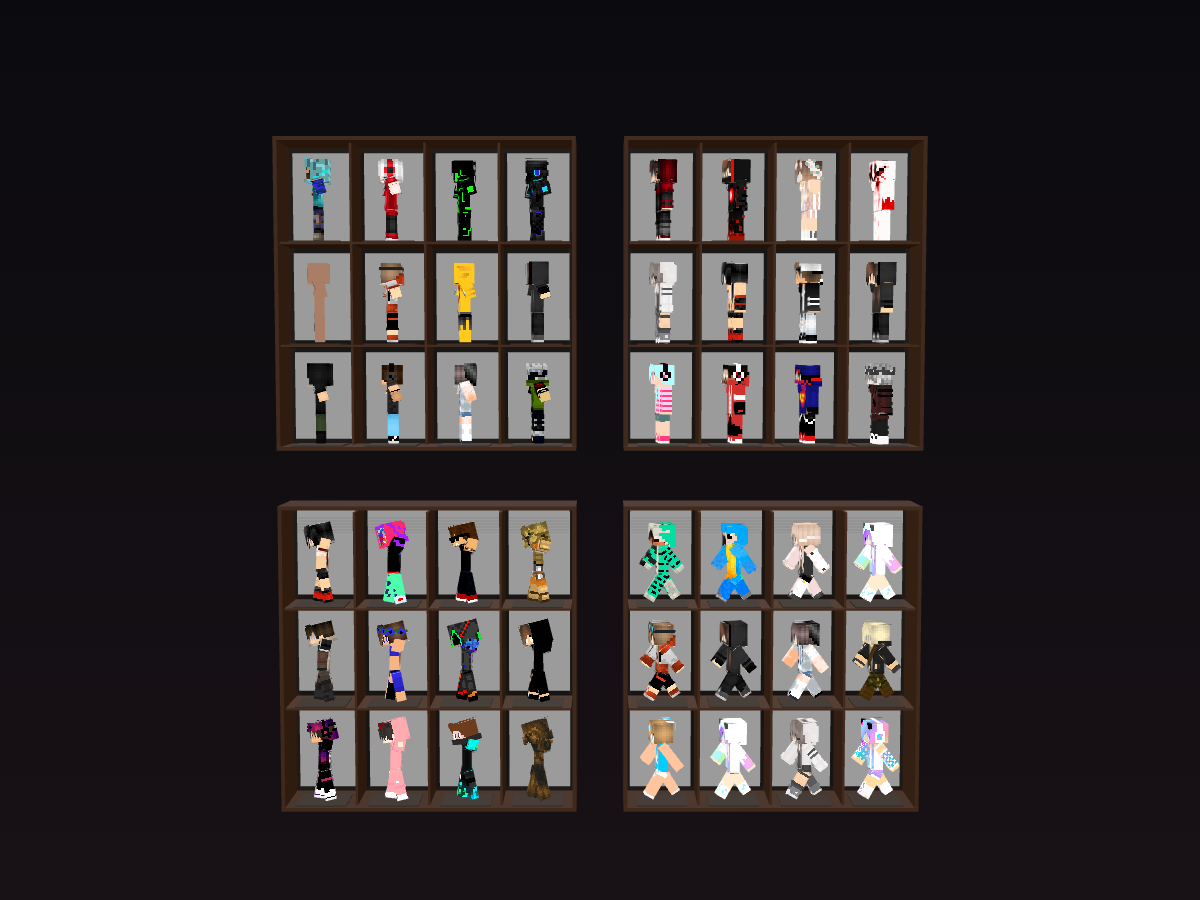
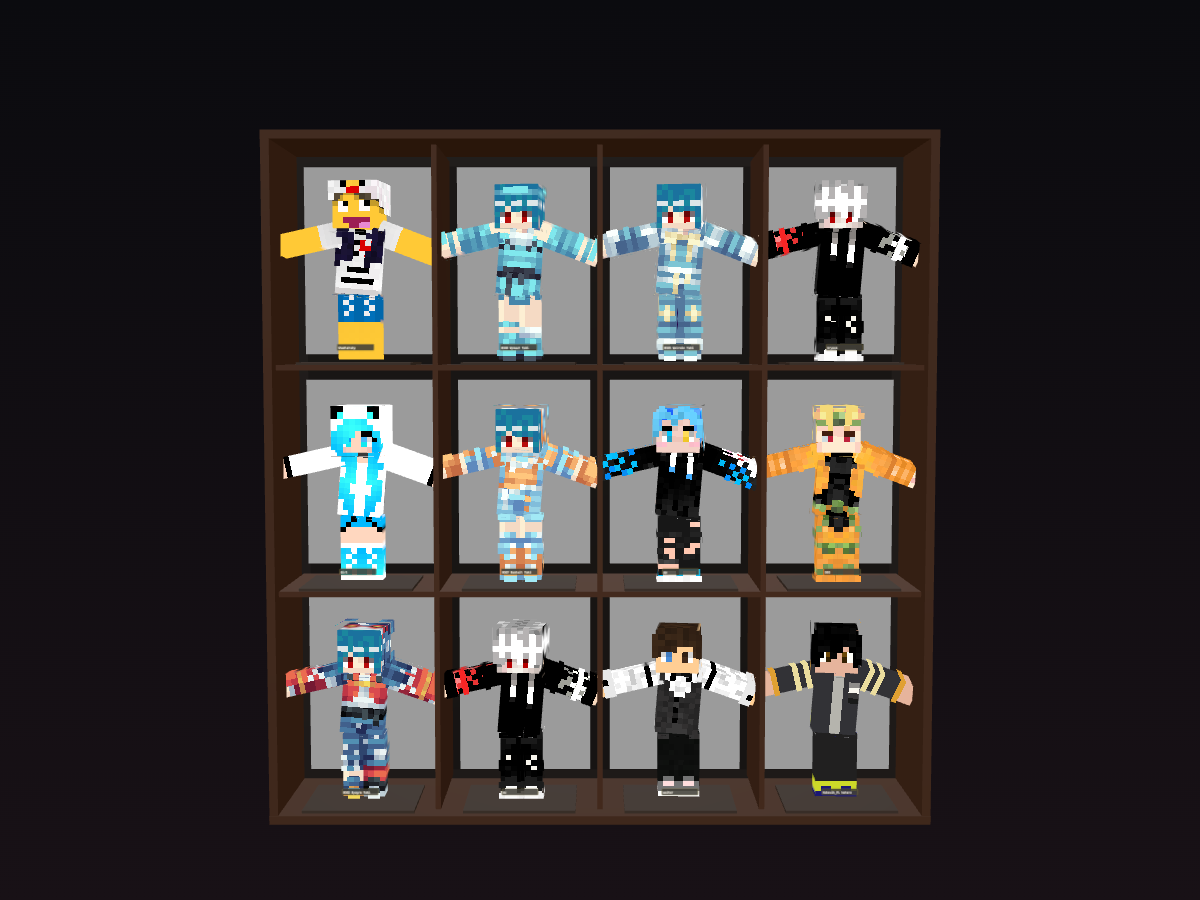
Arrange character projects in cabinet-style grids. Save layouts to your account and reopen them anytime.
2 total
Showcase vs Stage
Showcase
Use Showcase when the goal is display, browsing, portfolios, OC walls, themed sets, or curated character collections.
Stage
Use Stage when the goal is a scene, performance, cast interaction, choreography, or motion-driven storytelling.
What Is a Minecraft Skin Showcase?
A single skin page is useful when someone wants one download or one remix starting point. A showcase is better when visitors should understand a full character set: related skins, OC collections, server rosters, themed cabinets, or creator portfolios.
Browse Public Showcase Pages
- OC character collections and personal character walls.
- Server member rosters with a cleaner public display page.
- Theme-based skin sets such as fantasy, PvP, cute, anime, sci-fi, or seasonal characters.
- Before-and-after remix collections that show variations of the same idea.
- Creator portfolios where visitors can browse several characters in one place.
- Public collection pages that are easier to share than a list of separate skin URLs.
Find Showcase Ideas and Character Styles
- Create a showcase and choose the overall layout.
- Add characters from your projects or public skins.
- Arrange them into cabinet-style slots.
- Set cabinet spacing, background, and viewing mode.
- Choose simple motion such as idle, wave, dance, or rotation.
- Save and share a public or unlisted showcase link.
Preview Full Showcases Before Visiting
- Use consistent camera framing when the collection should feel like one coherent set.
- Keep backgrounds readable so the skins stay more important than the scene.
- Use subtle motion for collection browsing; save stronger motion for Stage.
- Put the strongest characters near the first visible cabinet because they define the first impression.
- Group skins by theme, creator, server role, outfit style, or story arc when the collection grows.
Create Your Own Showcase
Minecraft Skin Showcase
Open the dedicated showcase landing page for collection display, OC walls, and creator portfolio intent.
Minecraft Character Stage
Use Stage when you want characters to share one scene, motion setup, or performance.
Browse Minecraft Skins
Find public skins that can become source characters for your next showcase.
Motion Lab
Prepare clean poses and simple motions before adding characters to a showcase.