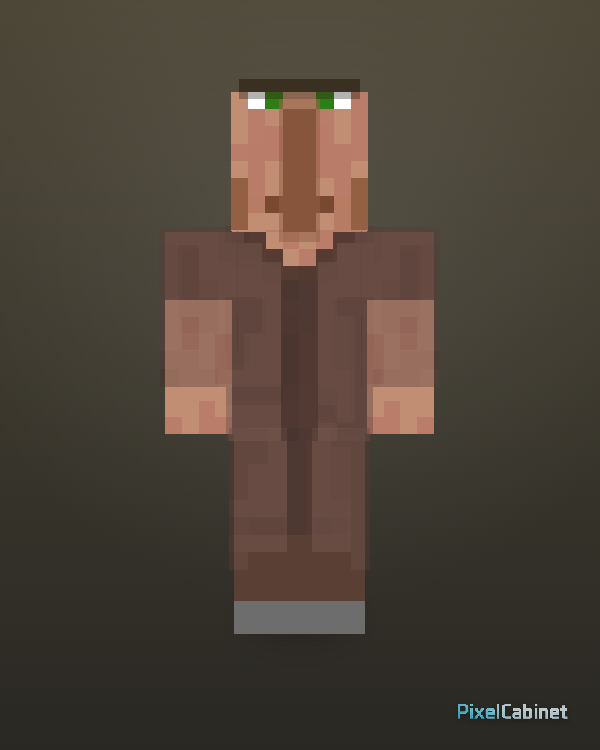
Skin library
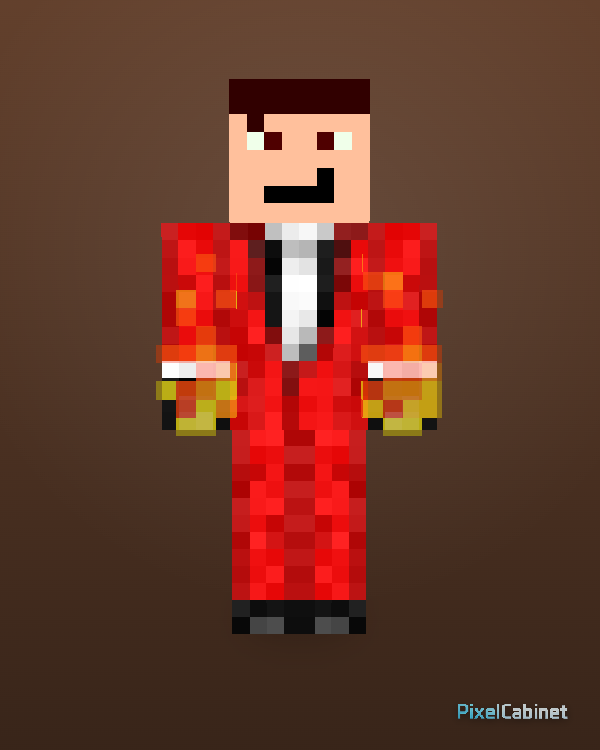
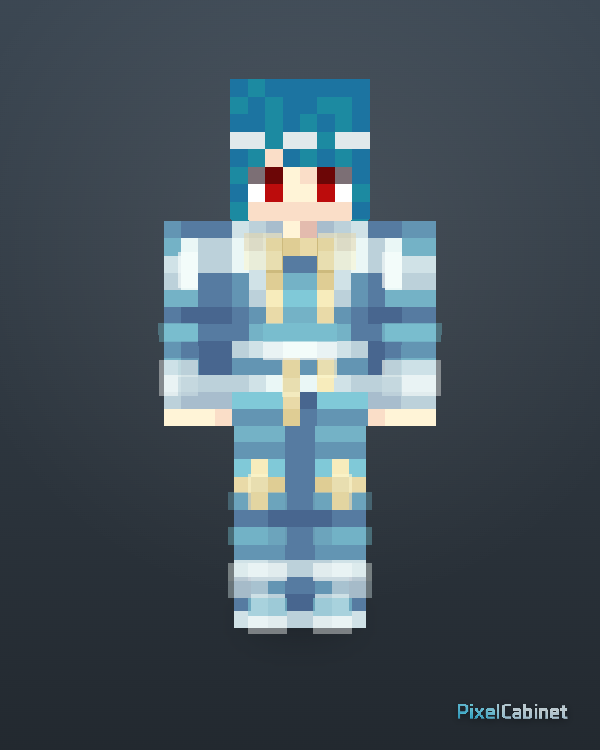
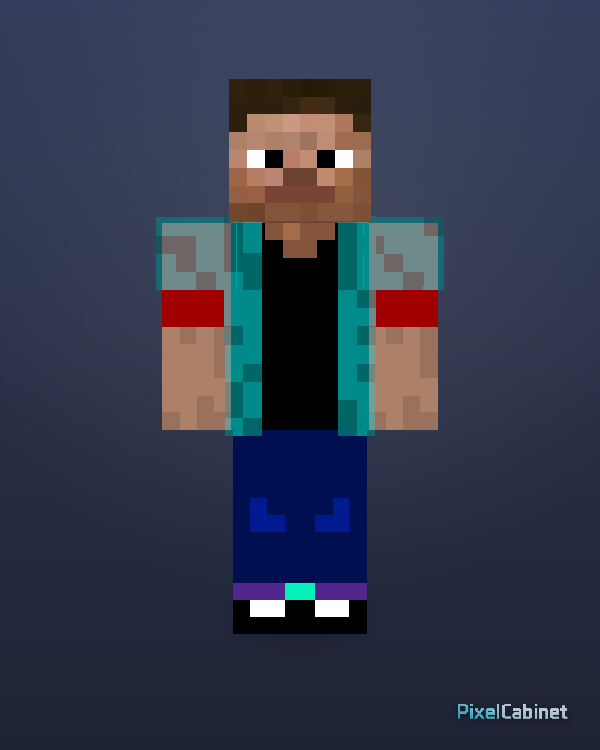
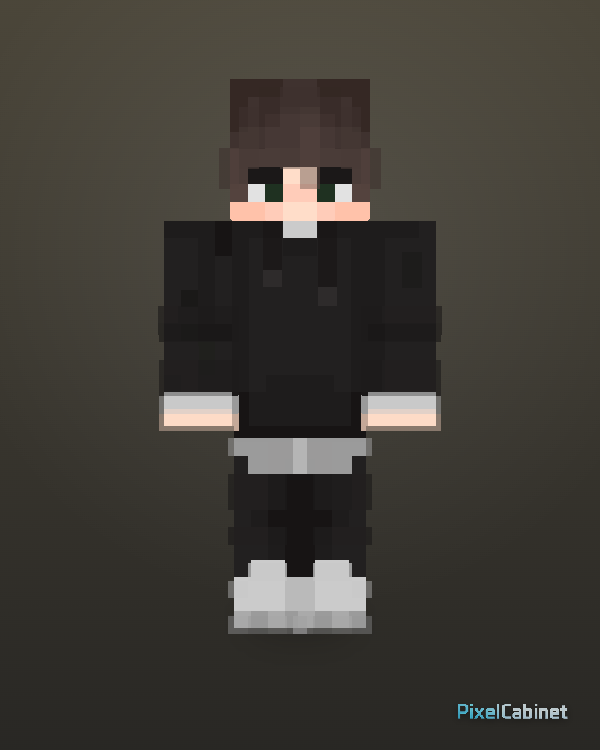
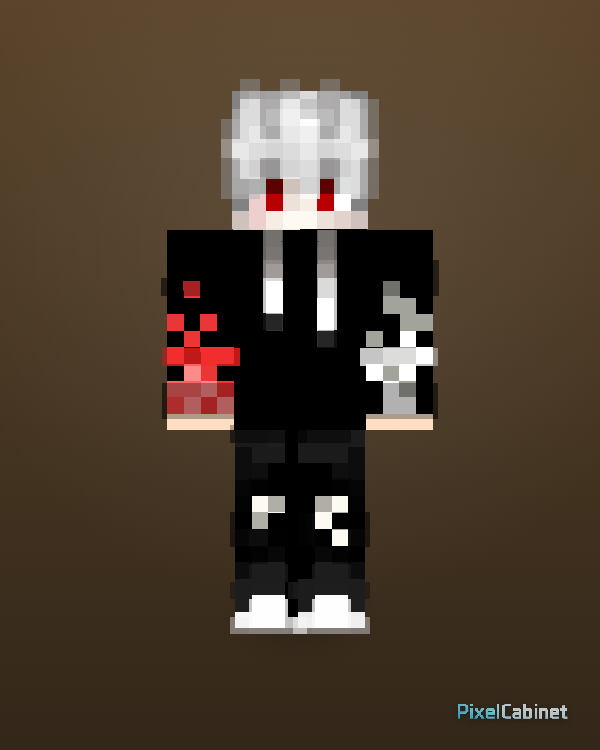
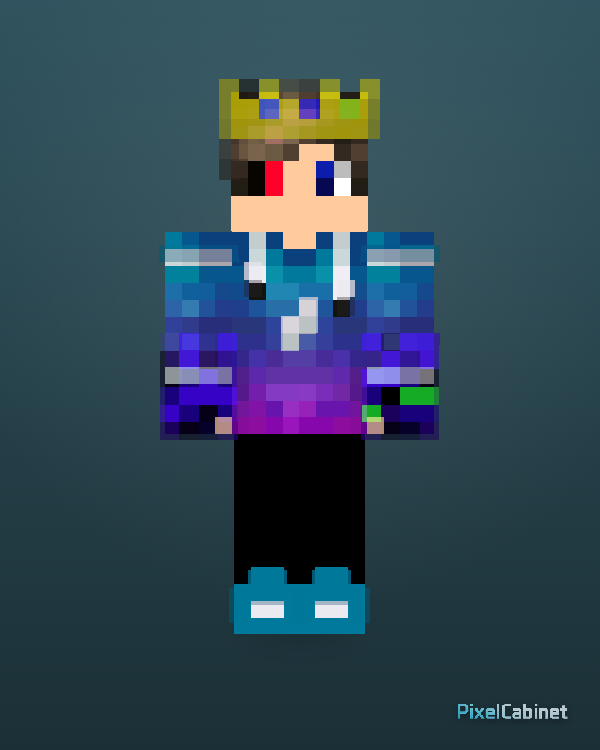
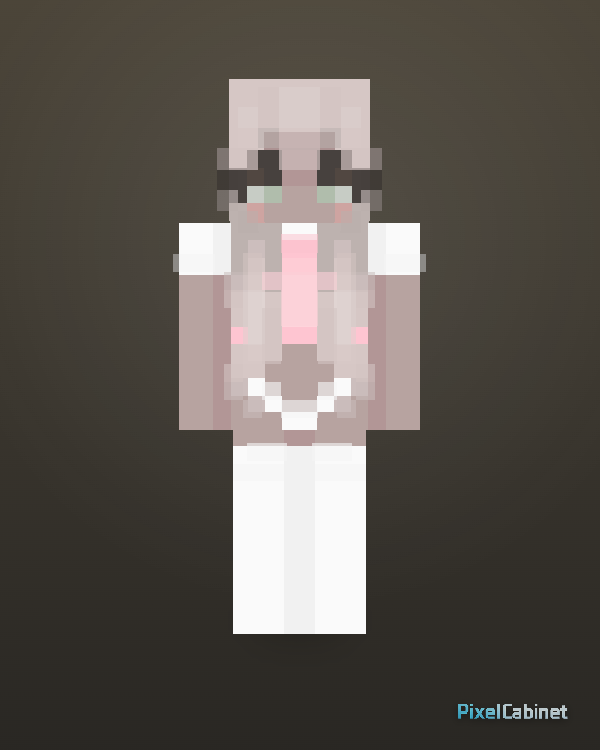
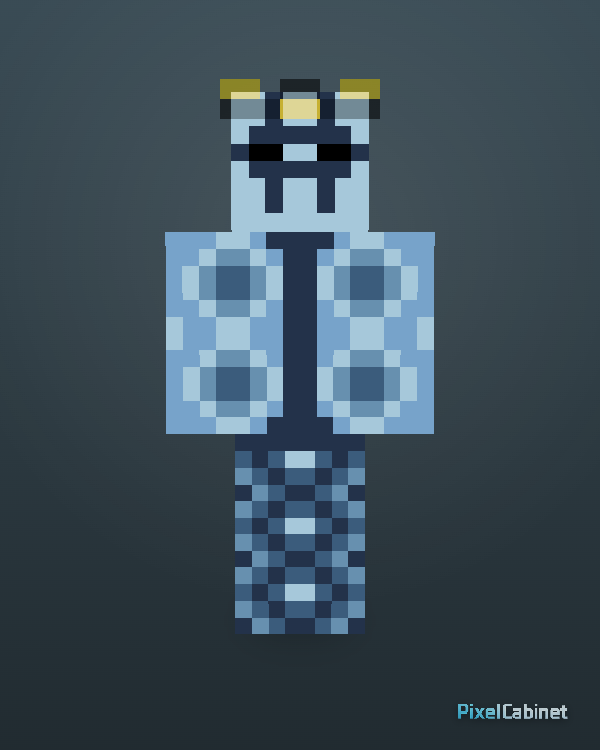
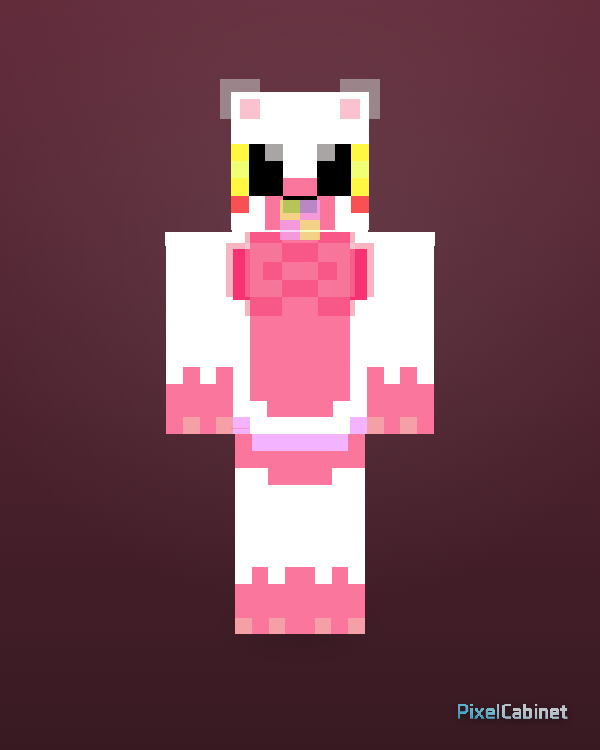
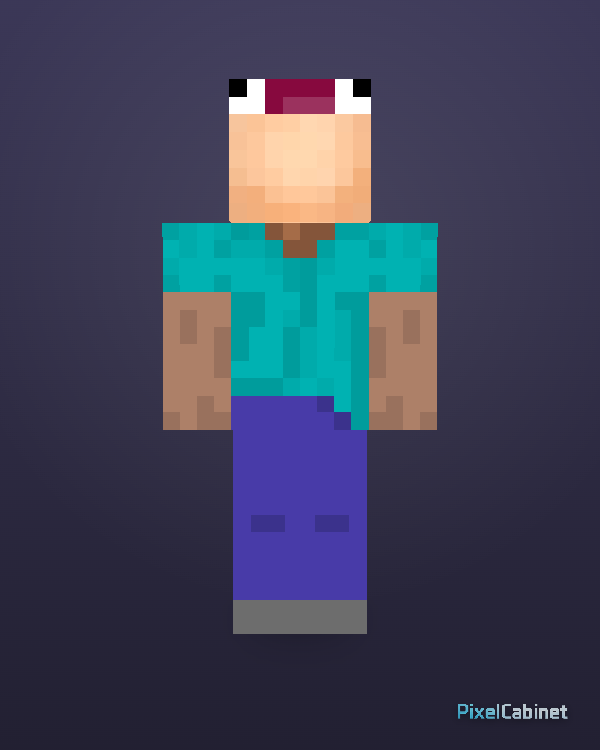
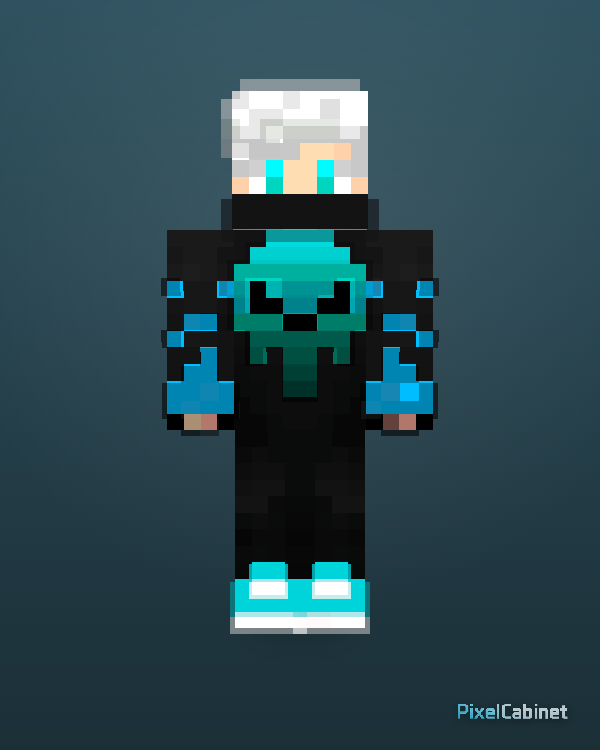
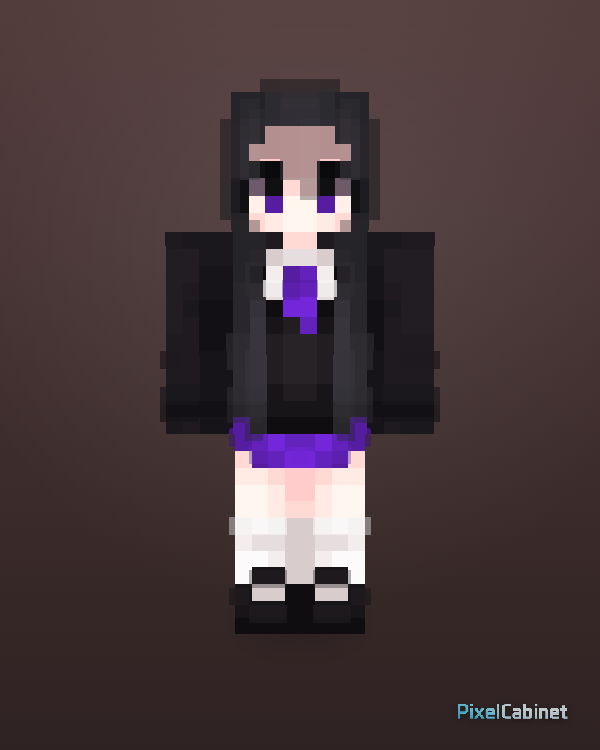
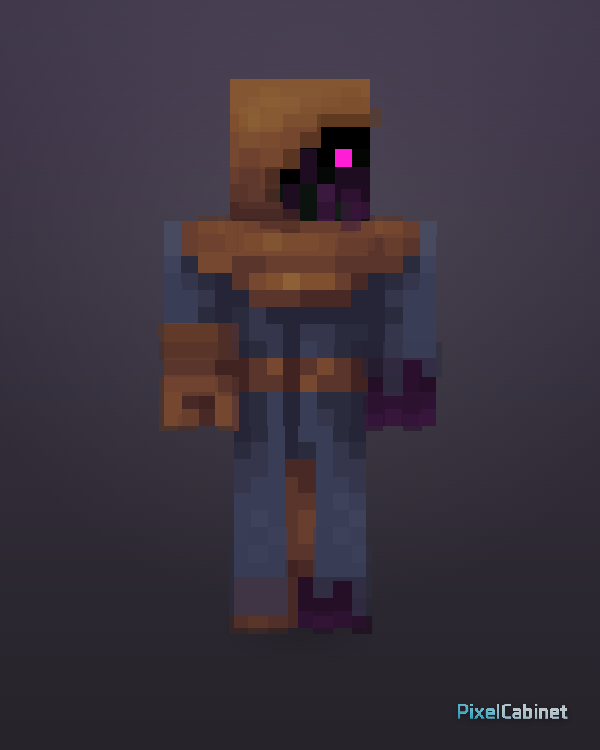
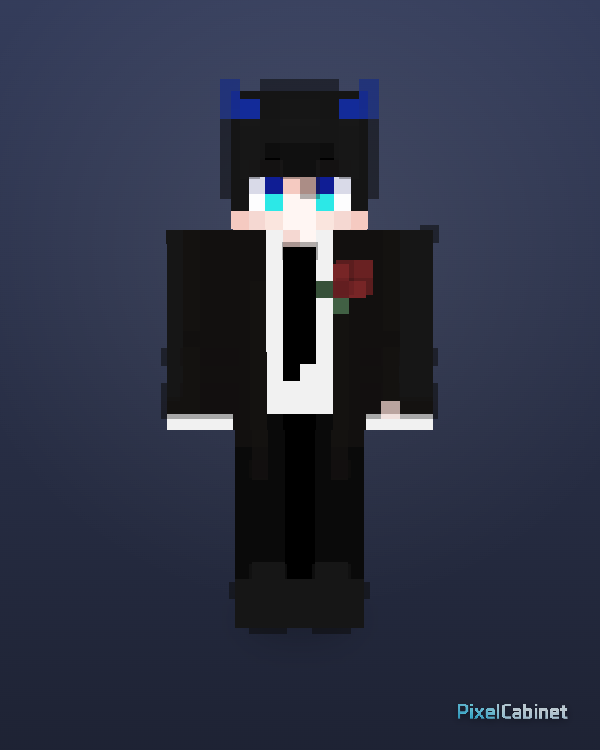
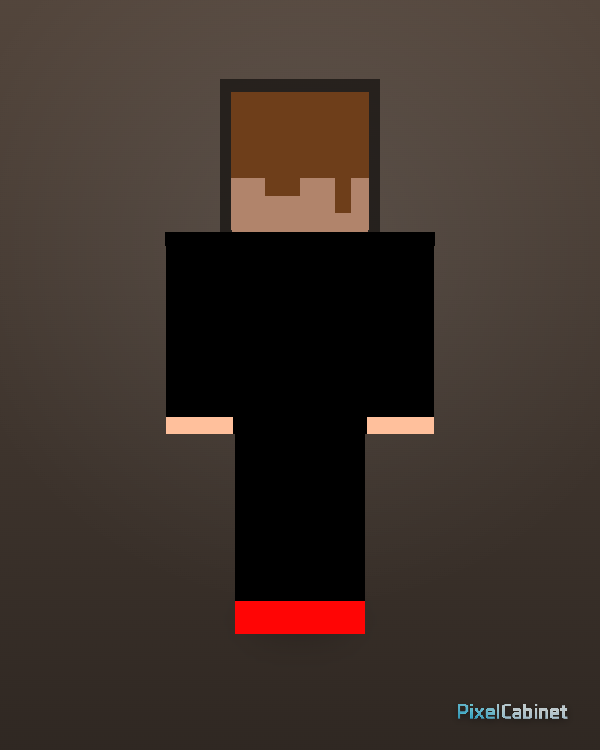
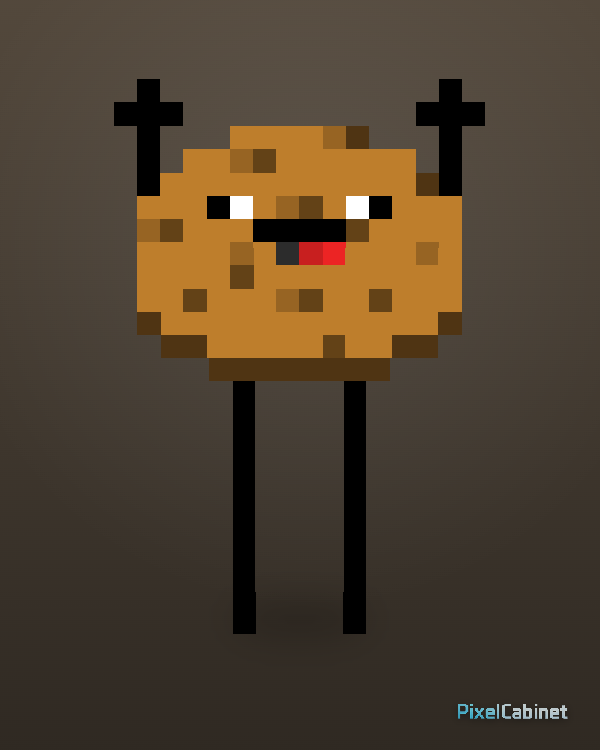
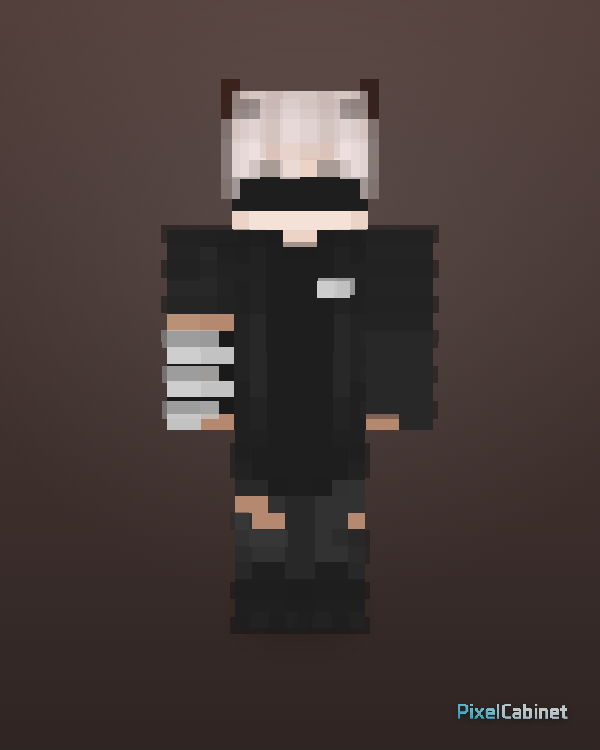
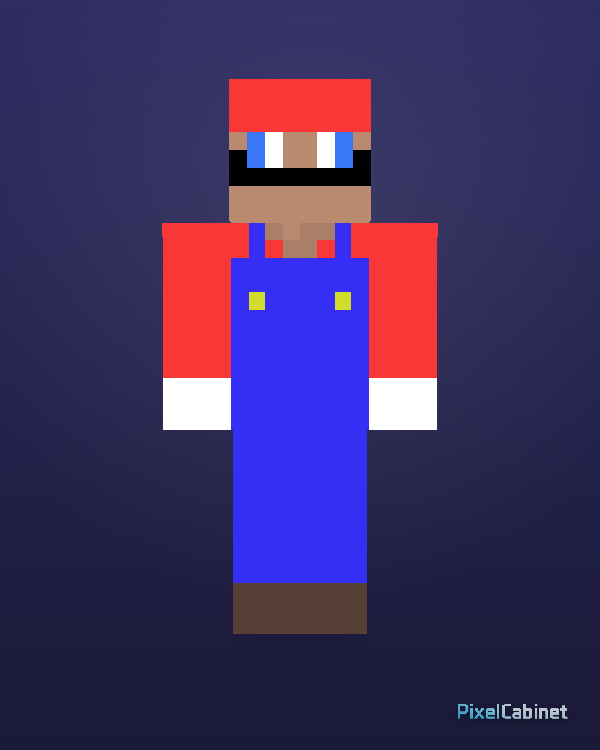
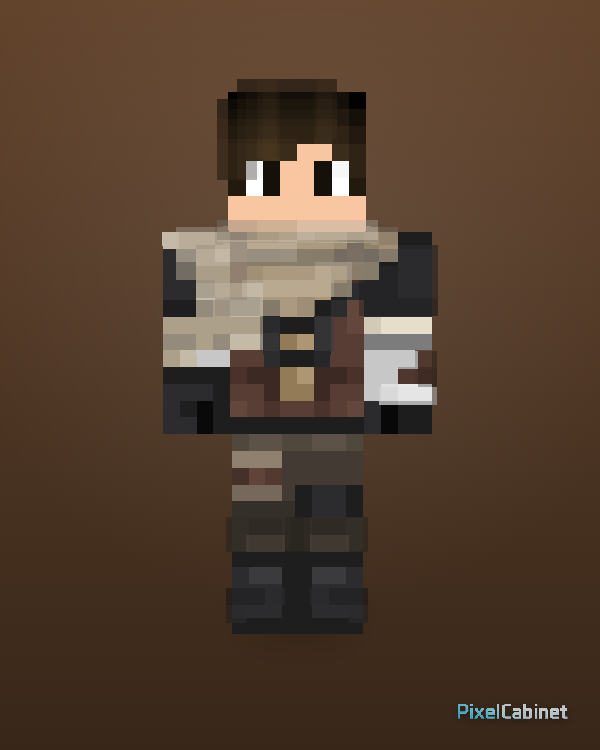
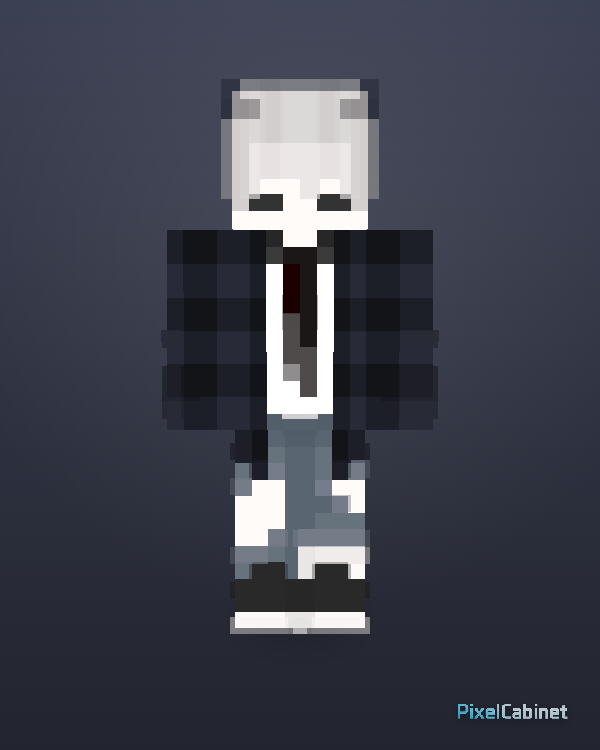
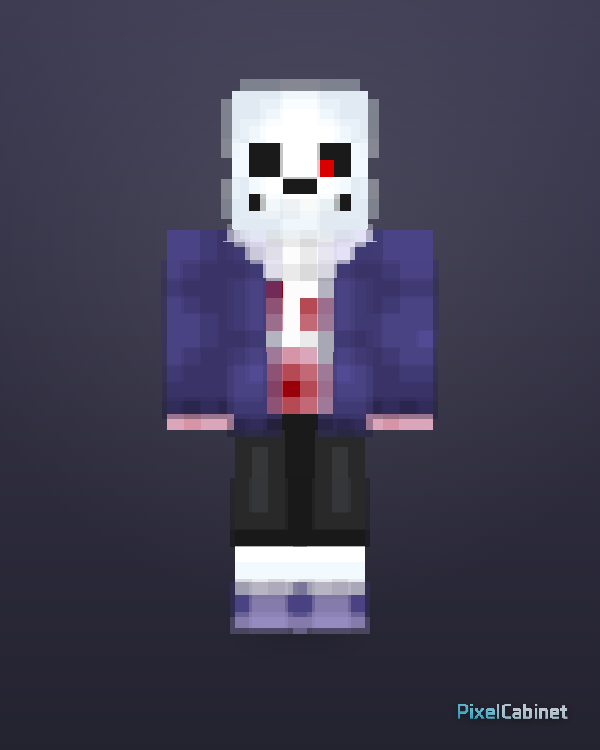
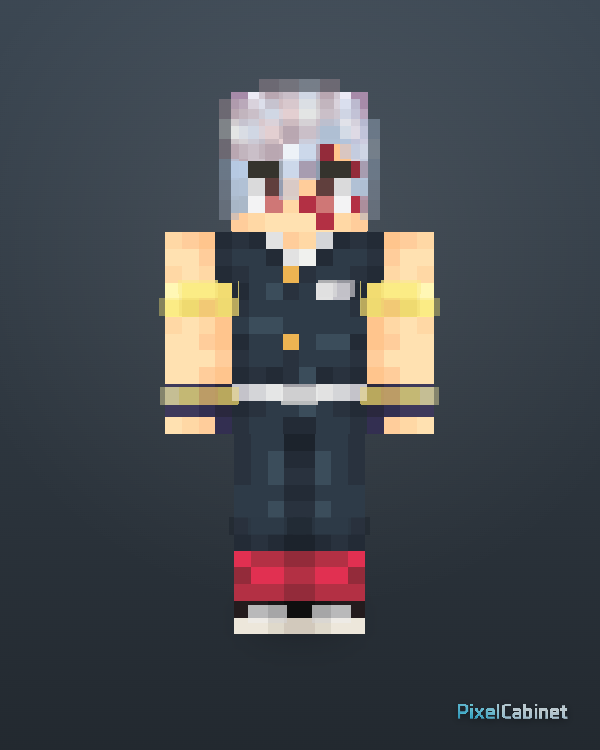
Browse Minecraft skins, preview them in 3D, download standard 64×64 PNG files, favorite your picks, or remix them in PixelCabinet.
Curated picks with clear design, strong 3D readability, and good remix potential.
Discover skins uploaded by the community. Preview in 3D and remix your favorites in Studio.
Recent is the newest public skin feed for visitors who want fresh uploads without browsing the whole library.
Popular shows skins with stronger activity across views, favorites, downloads, and remixes.
Featured
Browse selected skins with clear design, strong 3D readability, and good remix potential.
The main skins hub surfaces featured, recent, and popular feeds so you can explore ideas without hunting across the site. Every listing opens a 3D preview so you can judge readability, silhouette, and outfit details before you commit to a download or remix.
Featured highlights curated designs with strong clarity in 3D. Recent shows the newest public uploads when you want fresh inspiration. Popular ranks skins by community activity so you can spot designs visitors already engage with.
The interactive preview lets you rotate the character, check back details and outer-layer accessories, and confirm the skin fits the vibe you want in-game. That reduces surprises after you apply the PNG in Minecraft.
Downloads use the standard Minecraft skin layout so the file works in Java and Bedrock workflows that expect a classic 64×64 PNG. Save the file and apply it with your usual launcher or profile steps.
When a skin is remixable, you can open it in Studio to adjust palette, clothing, or proportions while keeping your workflow inside PixelCabinet. Remix is ideal when you like a base idea but want your own twist.
Category pages group skins by theme so you can browse faster when you already know the style you want—fantasy, cute, horror, holiday looks, and more. Use categories as a shortcut to narrow the library.
If browsing is not enough, start a blank skin or import an image draft in Studio. Paint with layers and body-part focus, validate in 3D, then export or publish when the character feels finished.