Community
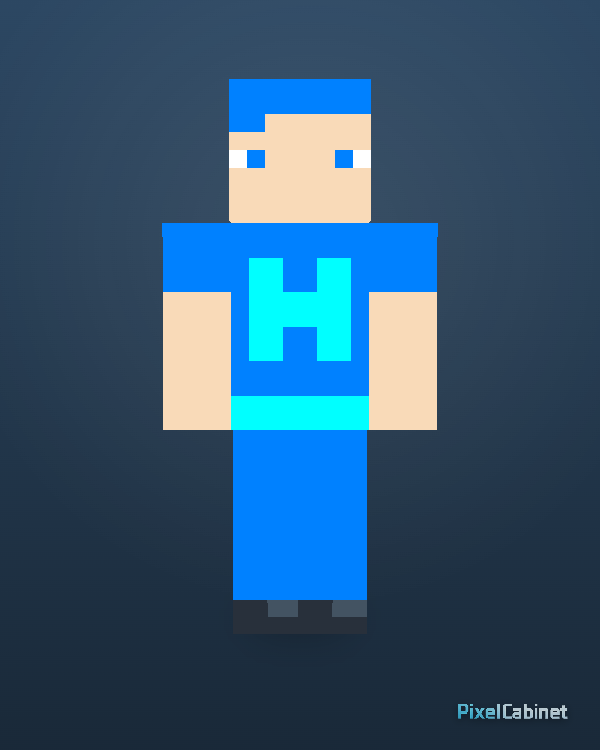
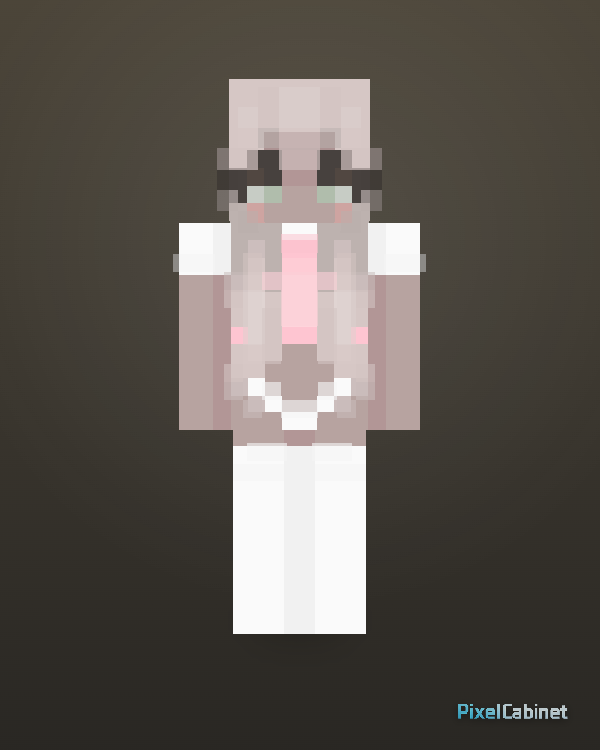
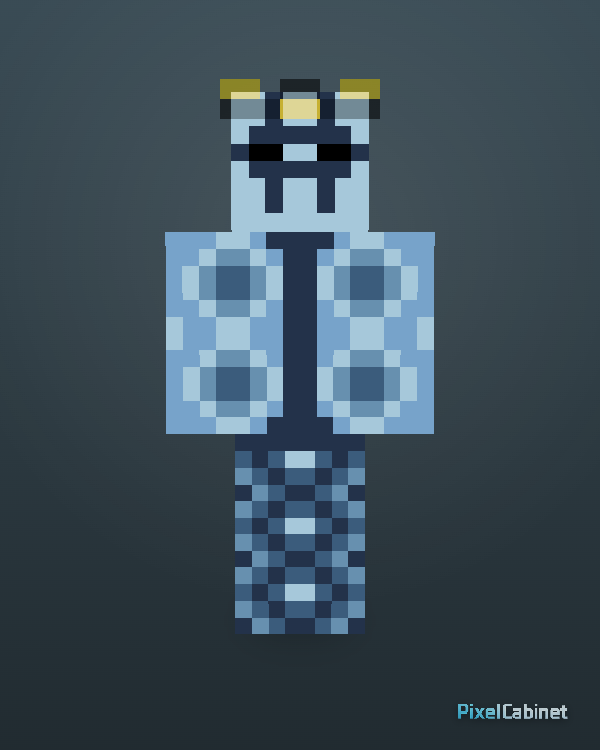
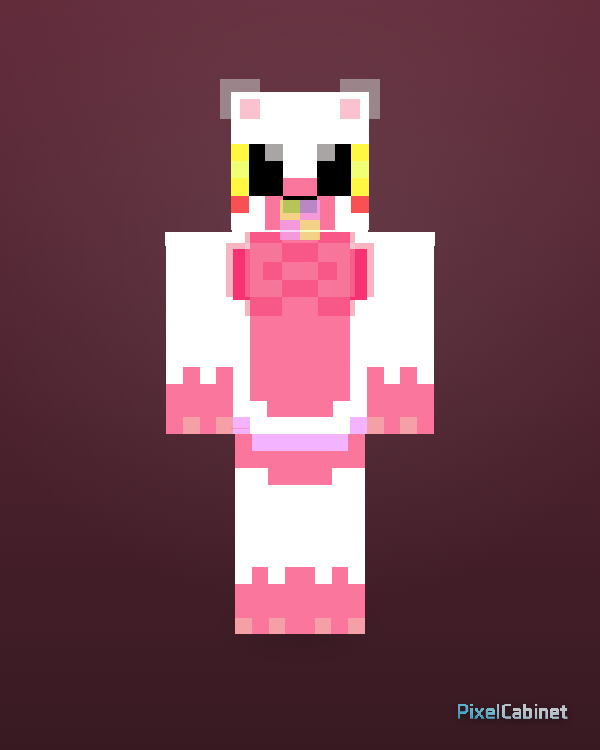
Browse Minecraft skins shared by the PixelCabinet community. Preview public skins in 3D, download PNGs, favorite designs, or remix them.
Discover skins uploaded by the community. Preview in 3D and remix your favorites in Studio.
4 items
Featured
Browse selected skins with clear design, strong 3D readability, and good remix potential.
Community skins are uploaded by PixelCabinet users who chose to share publicly. The feed mixes styles and experience levels, so you get a wide slice of what players are making right now.
New community uploads appear as creators publish, which makes this feed useful for trends, seasonal ideas, and experimental designs that have not yet surfaced in popularity rankings.
Preview every community skin in 3D before downloading. It is the fastest way to spot alignment issues, noisy patterns, or outer-layer hair and jacket details that matter in-game.
Public skins download as standard PNG files you can apply like any other skin. Respect the creator’s license and remix rules shown on the skin page when you reuse or adapt the work.
Sign in to favorite community skins you might remix later or want to track for inspiration. Favorites keep long browsing sessions from losing that one design you almost downloaded.
When remix is allowed, open the skin in Studio to iterate on the concept—adjust colors, fix small UV issues, or extend the outfit—while crediting the upstream creator if required.
Finished a design? Publish from Studio to add it to the public library. Clear previews and titles help other players find and understand your character.