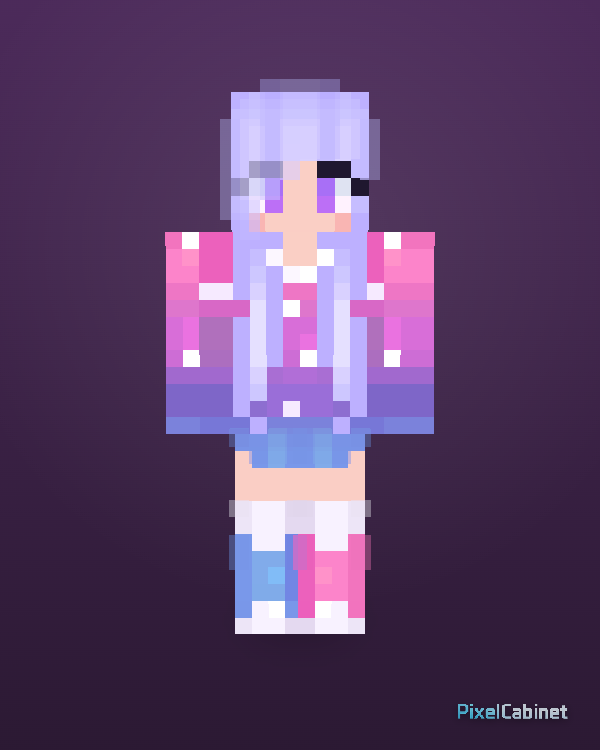
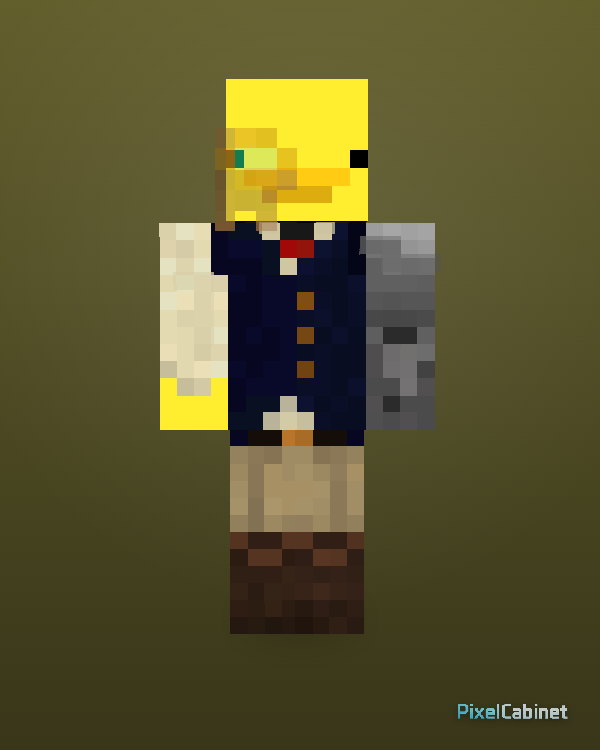
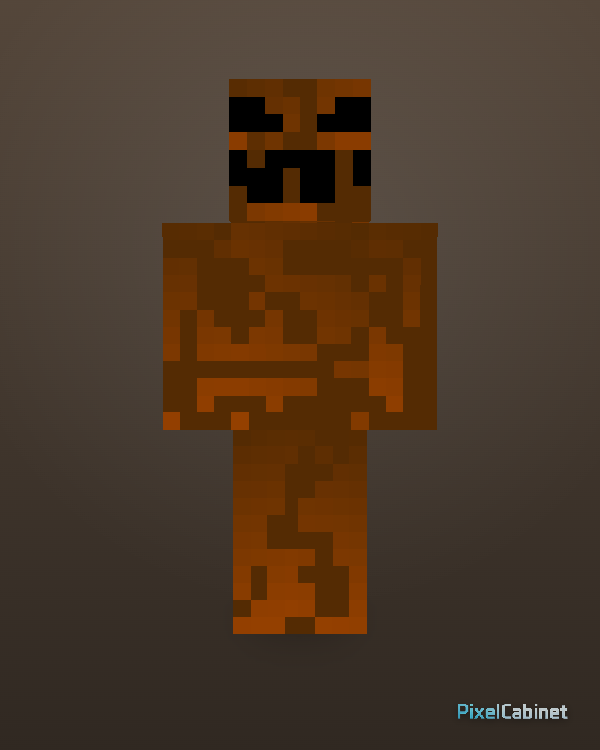
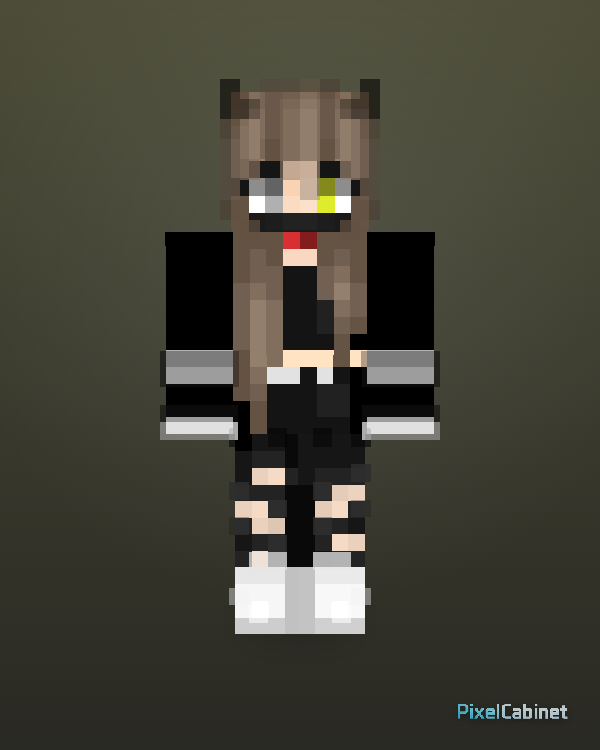
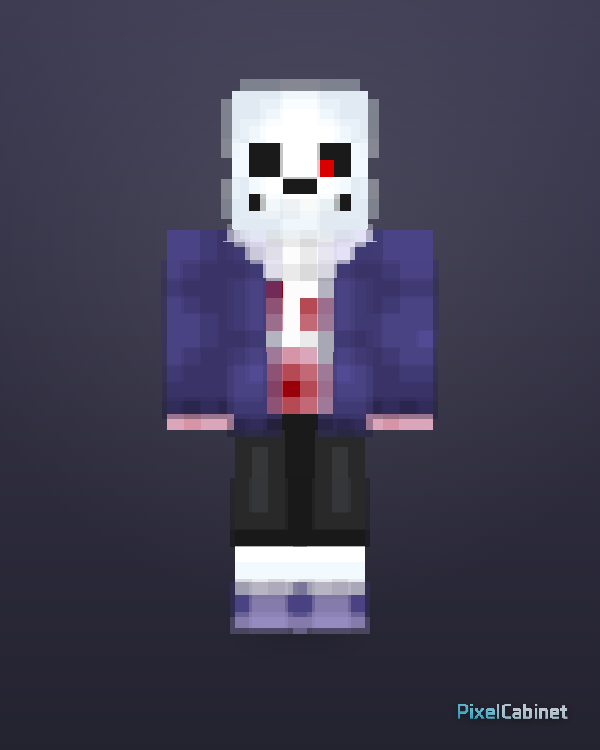
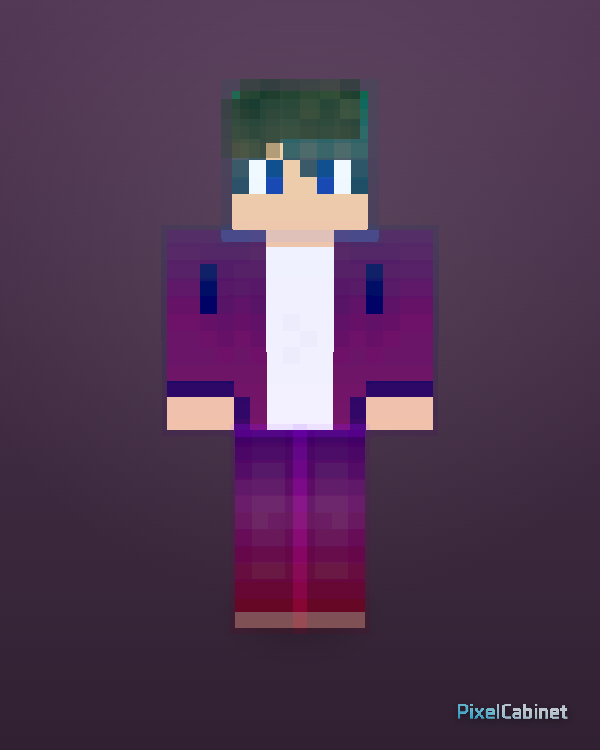
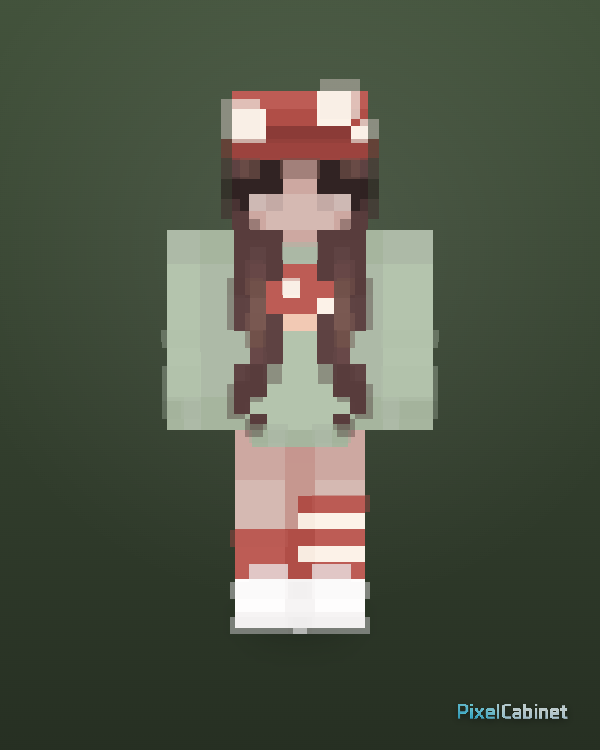
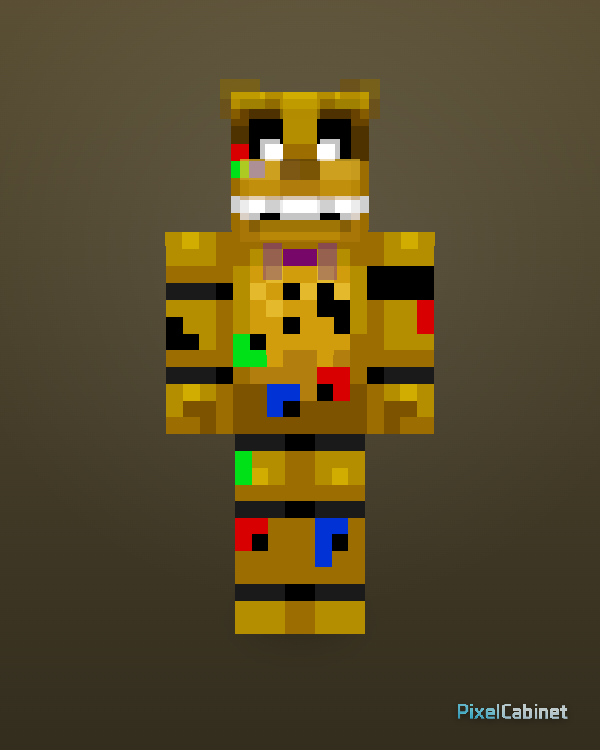
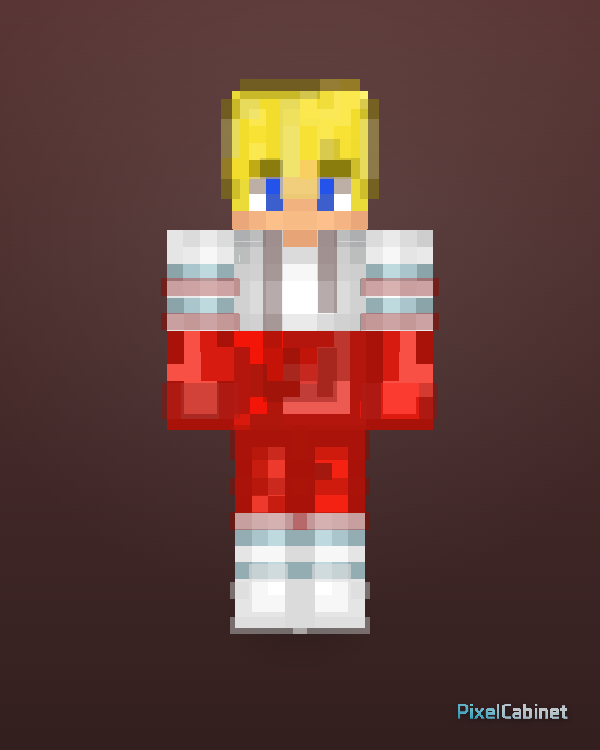
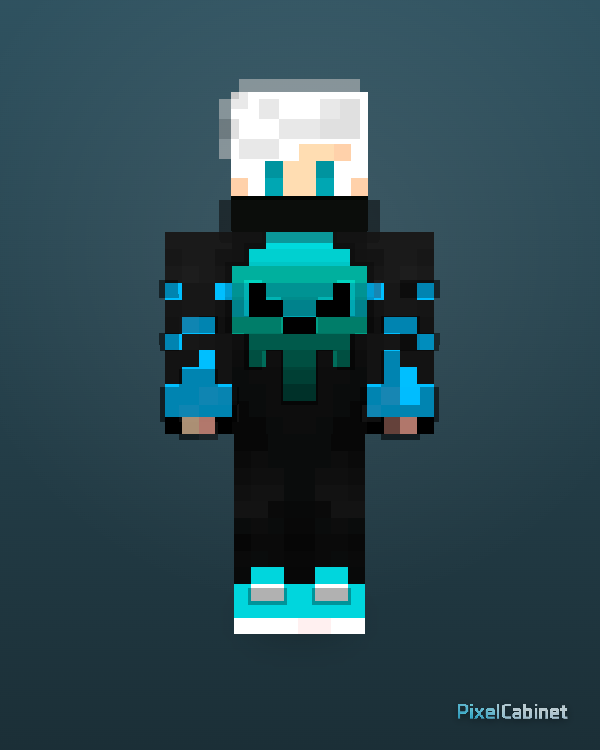
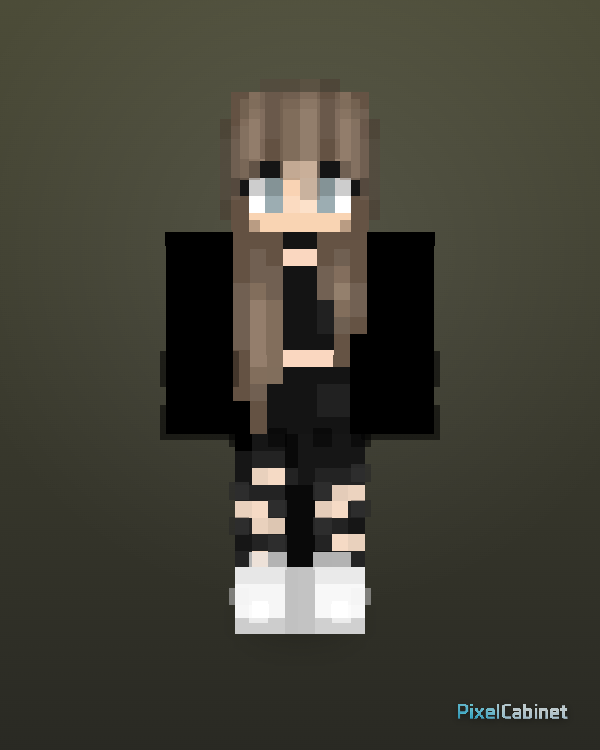
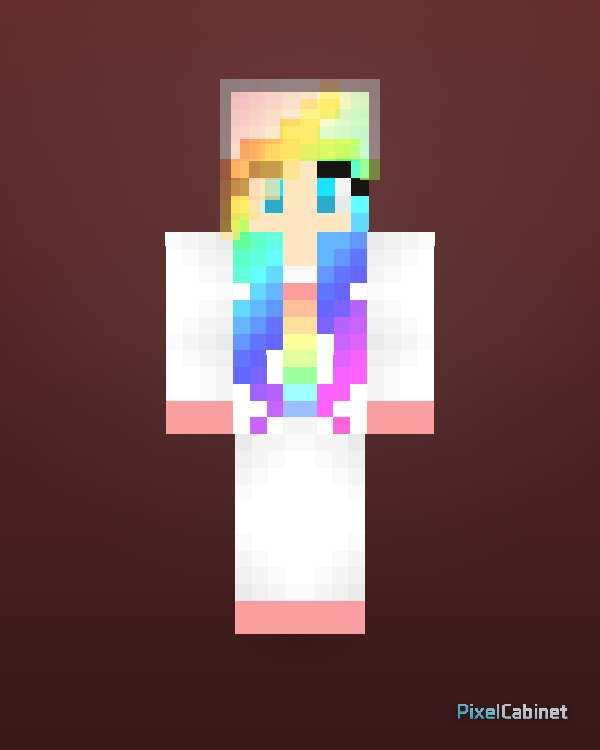
Recently published
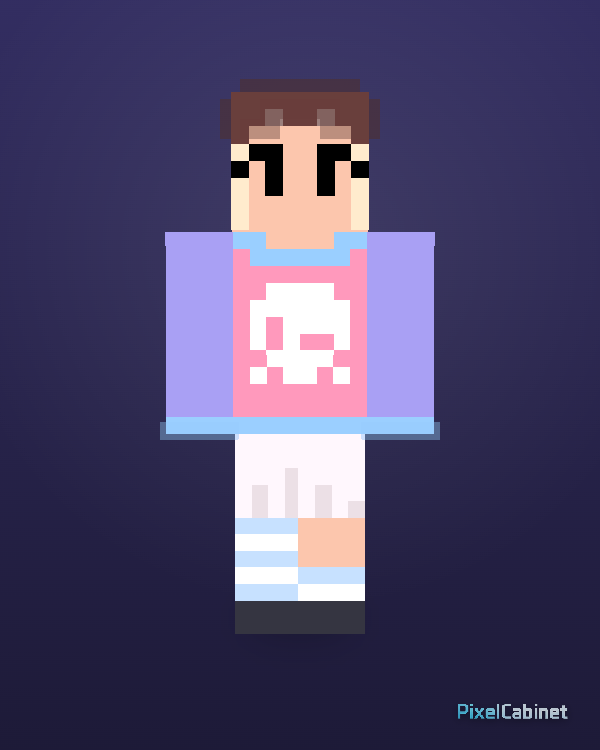
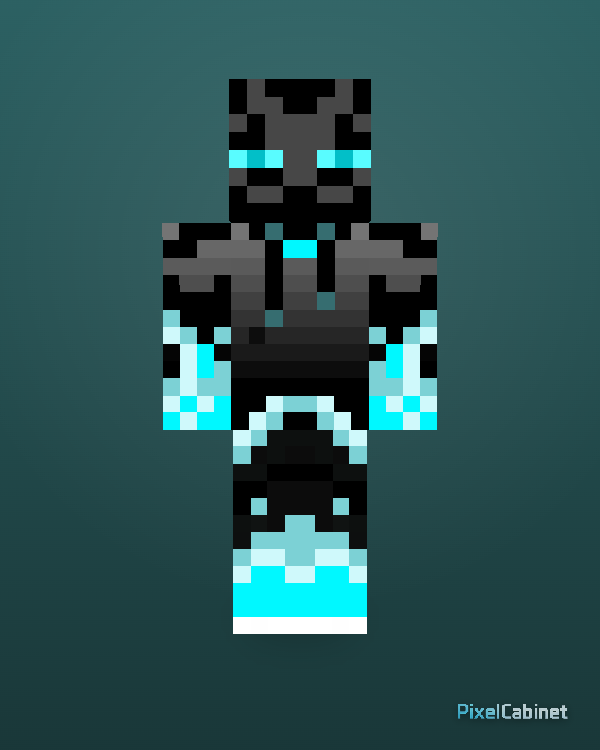
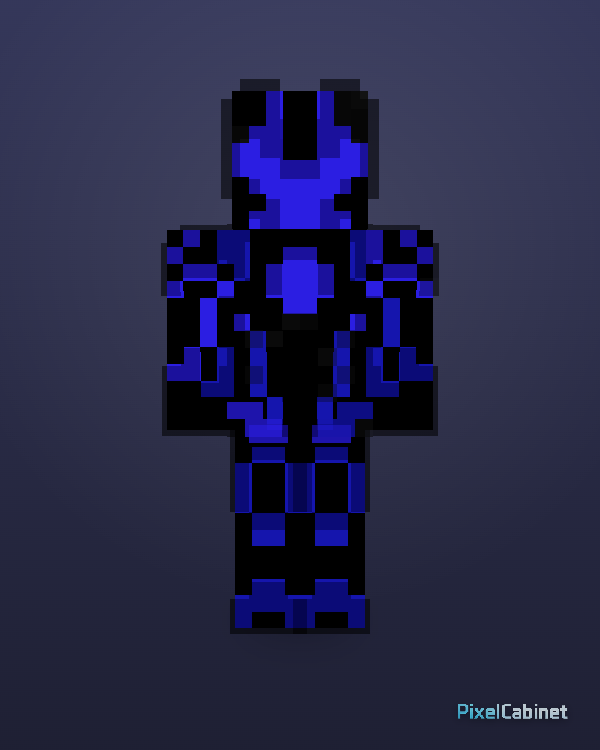
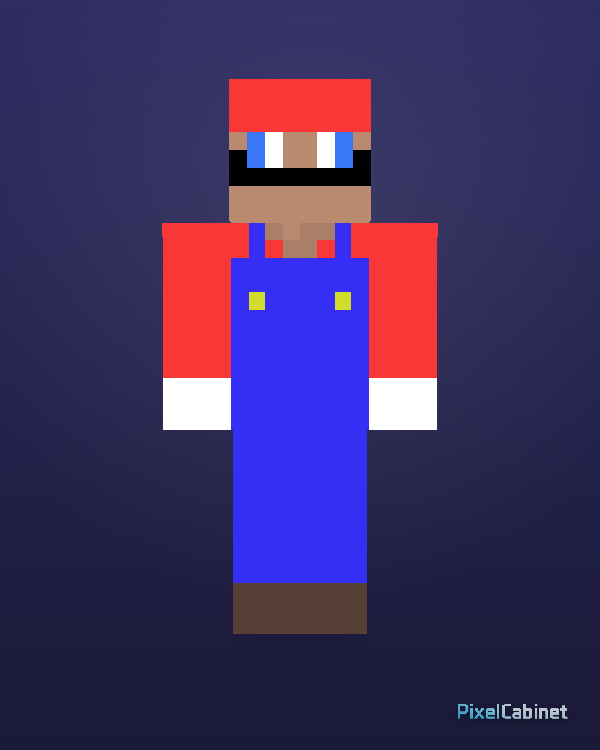
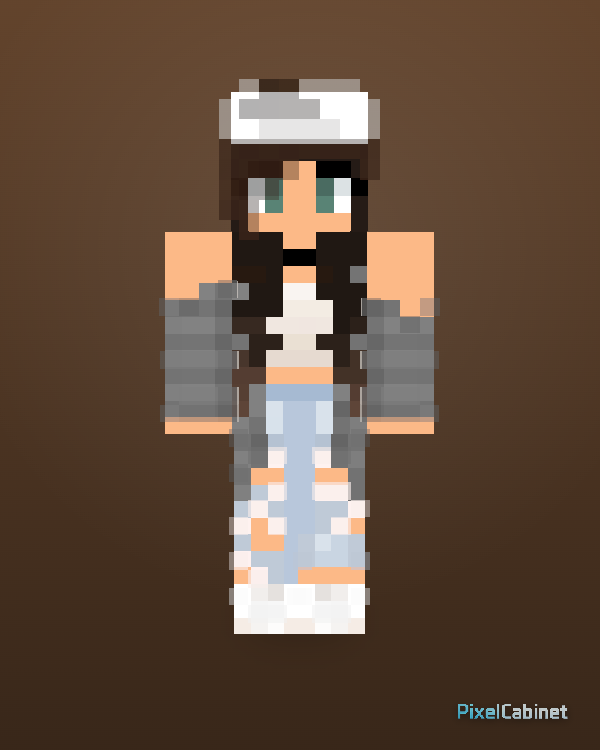
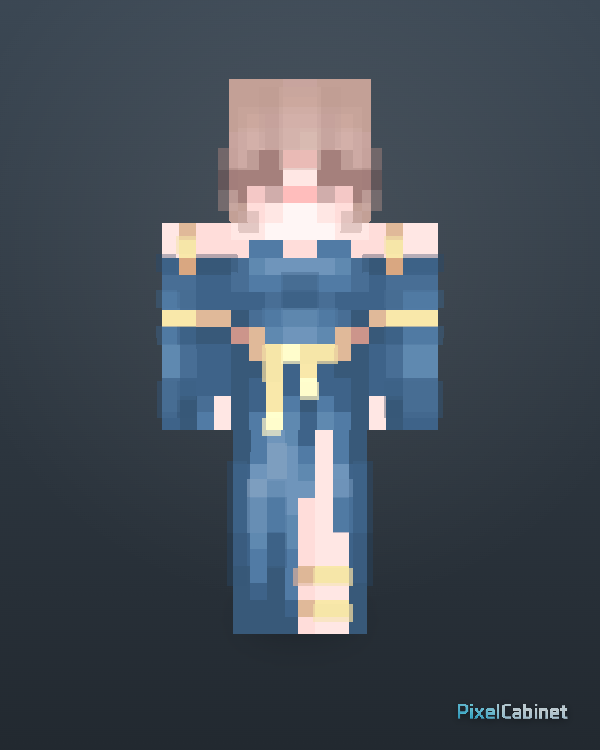
Find the newest Minecraft skins published on PixelCabinet. Preview recent skins in 3D, download PNGs, favorite picks, or remix them.
Recent is the newest public skin feed for visitors who want fresh uploads without browsing the whole library.
Featured
Browse selected skins with clear design, strong 3D readability, and good remix potential.
The recent feed sorts by publish time so you see the latest public skins first. It is the right view when you want novelty and fast-moving community output instead of all-time popular picks.
Fresh uploads often reflect current events, memes, and seasonal aesthetics. Check recent when you want inspiration that feels tied to what creators are posting this week.
Always preview recent uploads in 3D: brand-new skins benefit from a quick rotation pass to confirm proportions and readability before you download or remix.
Download a recent skin as soon as you find one you like—standard PNG export keeps the process simple for Minecraft clients that accept 64×64 skins.
Recent skins can be ideal remix starters because fewer visitors have iterated on them yet. Bring a new upload into Studio to personalize palette and accessories while the idea is still open.
Watching recent uploads helps you notice emerging color palettes, outfit types, and accessory combinations before they spread widely across the library.
When your skin is ready, publish to appear in recent for other visitors. Pair a strong 3D cover snapshot with a descriptive title so new uploads stand out in fast-moving feeds.