
Quick start
Start your Minecraft skin project
Choose the fastest path: blank canvas, PNG import, browse public skins, or remix a popular design.
Start from blank
Open a blank character and paint from the first pixel.
Import a skin PNG
Upload an existing skin and keep editing in 3D.
Browse public skins
Find inspiration and open skins with one click.
Remix popular skins
Start from a public design and make it yours.
Workflow
How PixelCabinet works
Go from an idea to a finished skin with 3D preview, editing, motion, items, wallpaper, and export.
PixelCabinet connects editing, preview, motion, wallpaper, and export in one browser workflow.
Open Skin LabSkin Lab
Edit Minecraft skins with live 3D preview
Paint layers, select body parts, and preview your character while you work — not only on a flat UV grid.
3D preview
Inspect every angle before you publish
Rotate the character to validate silhouette, sleeves, hair volume, and outer-layer accessories.
0360 Wynaut Yuki
Orbit the camera to stress-test readability.
Inspect layered clothing and hair separately.
Image to skin
Turn reference art into an editable draft
Crop a subject, reduce colors, and generate a pixel-friendly starting layer you can refine manually.
Focus on the character region.
Prepare pixels for editing.
Continue in Skin Lab.
Motion Lab
Pose and animate before you export
Preview idle loops, social gestures, dances, and item actions so screenshots and videos feel intentional.
Breathing and relaxed stance.
Wave, clap, and expressive motions.
Short clips that read well in GIFs.
Item Studio — props that read in 3D
Equip swords, books, shields, staffs, and tools. Adjust grip so props stay readable next to your pose.
- Left/right hand slots with swap and copy helpers.
- Fine-tune position, rotation, and scale in the viewport.
- Pairs naturally with Motion Lab for slash, aim, and cast poses.
Best results when item pose matches your motion preset.
Wallpaper Studio — frame your character
Pick backgrounds and camera framing for covers, banners, and HD stills.
- Preset skies, studios, and neon scenes.
- Camera presets tuned for cards and hero shots.
- Outputs pair with Export for PNG, GIF, or MP4.
Export everything from one skin
Download the Minecraft PNG, capture marketing stills, render GIFs, or export short videos.
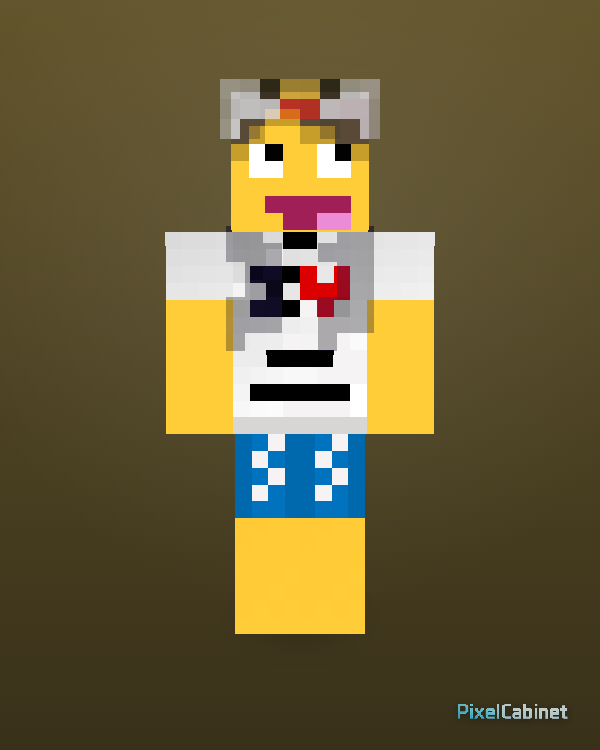
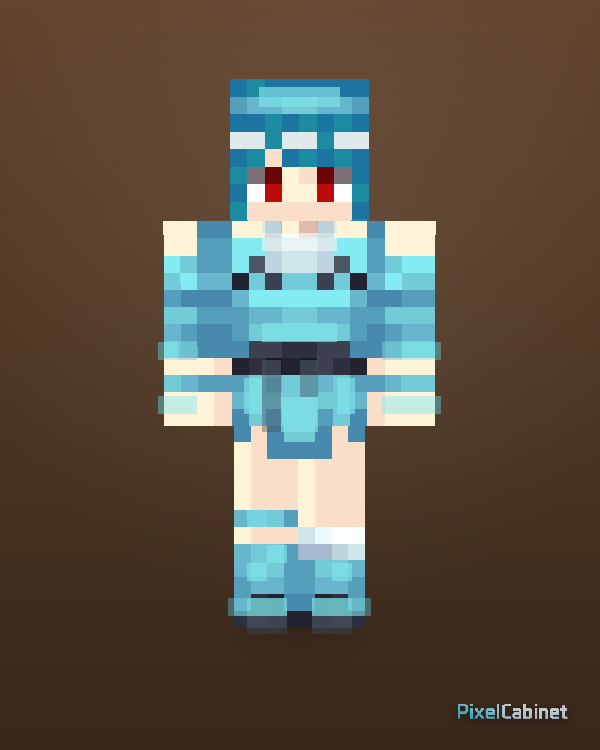
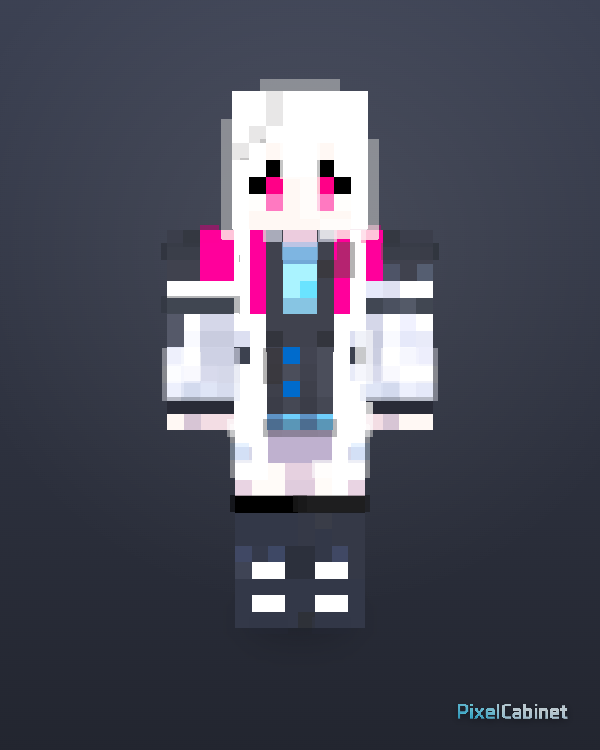
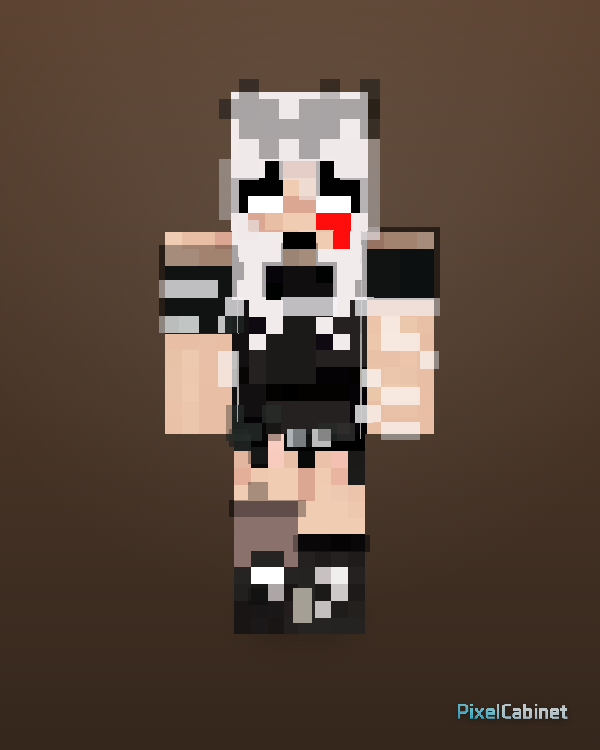
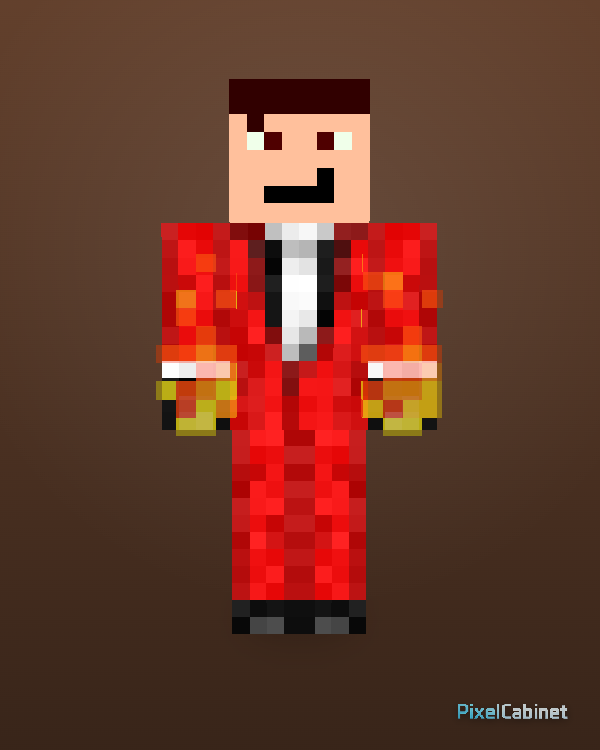
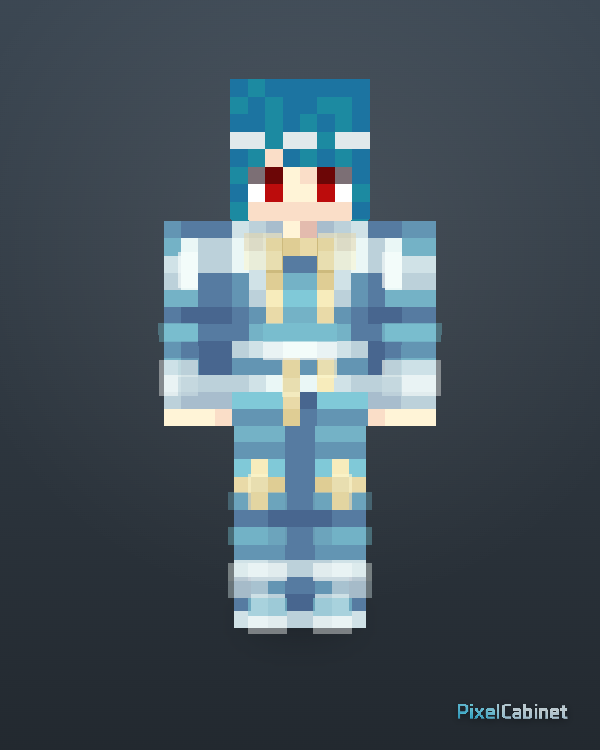
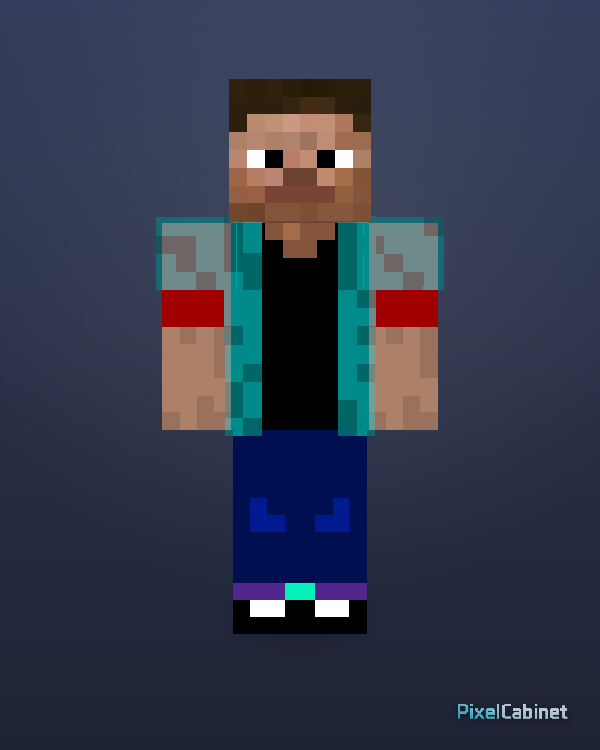
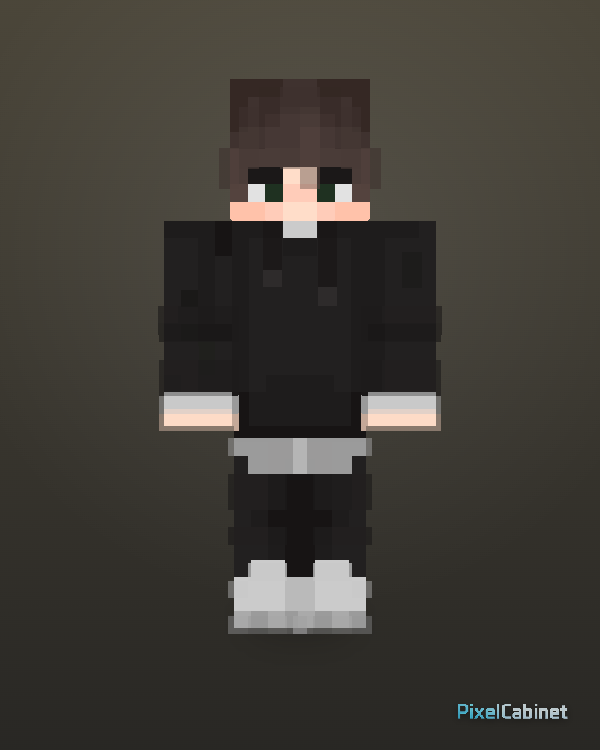
Browse community Minecraft skins
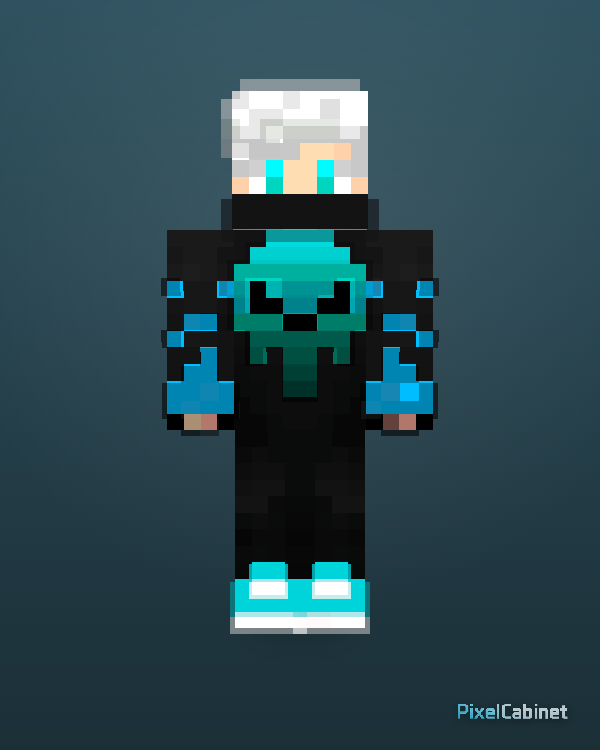
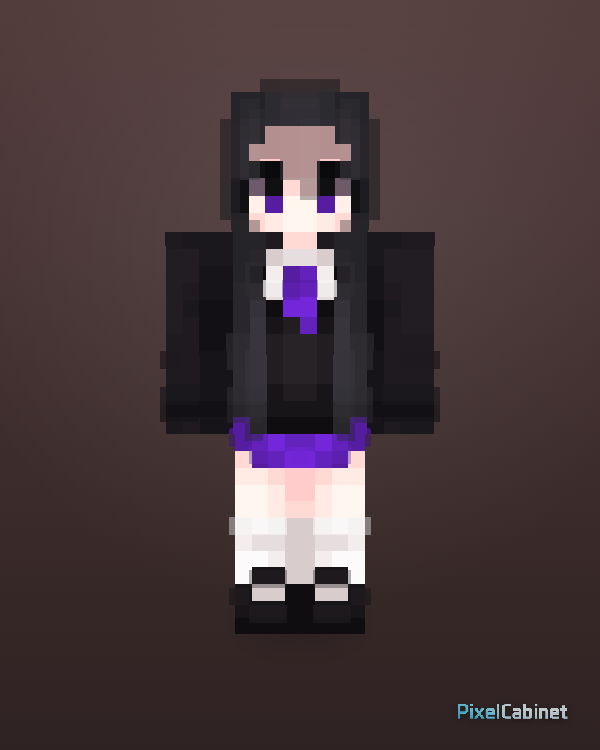
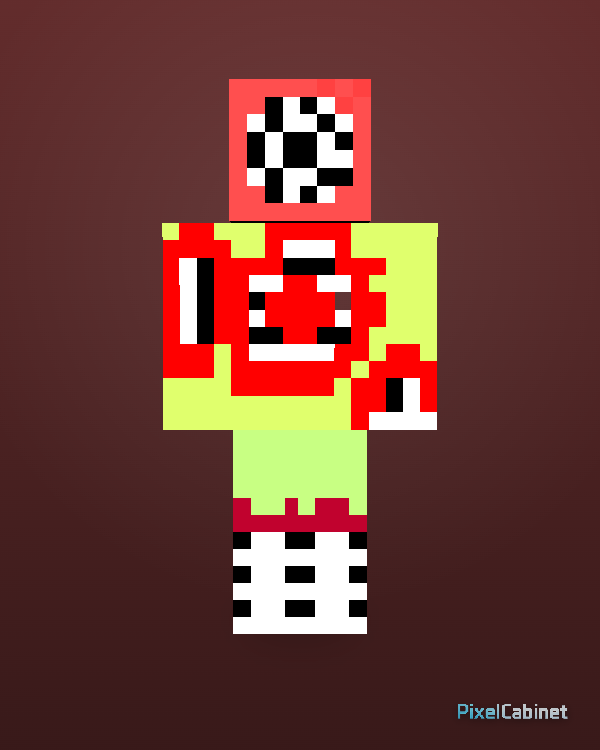
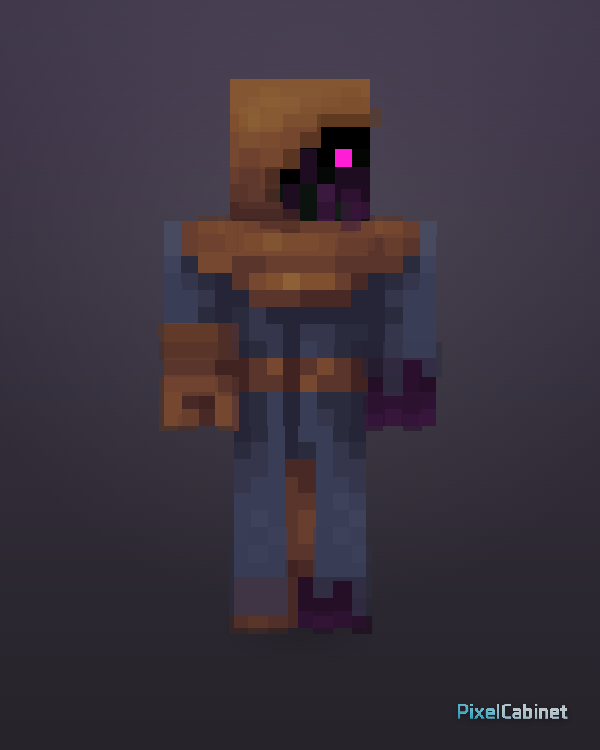
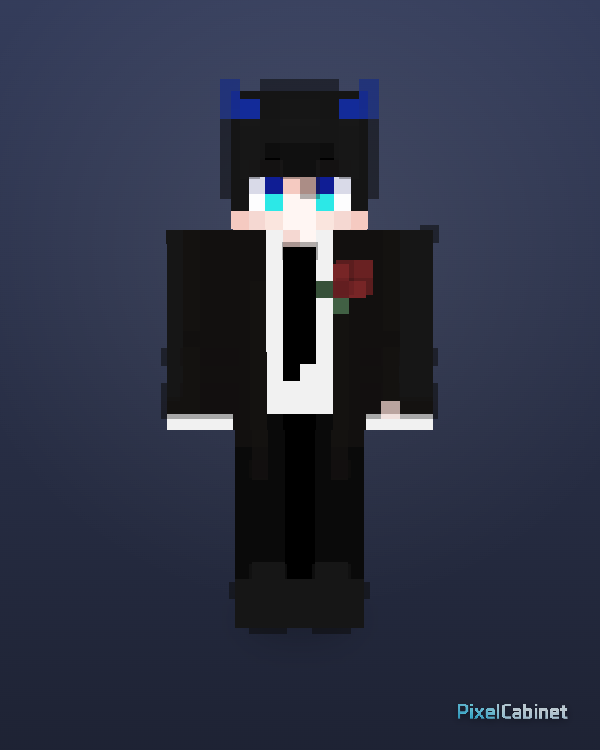
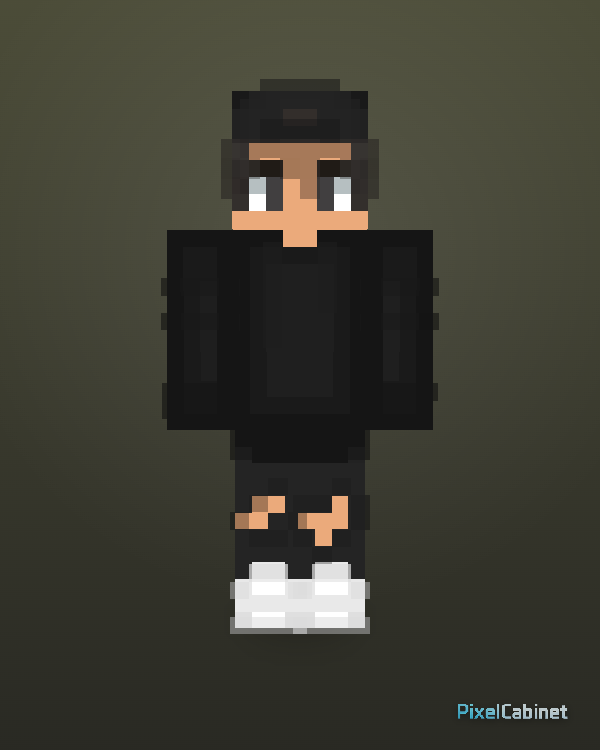
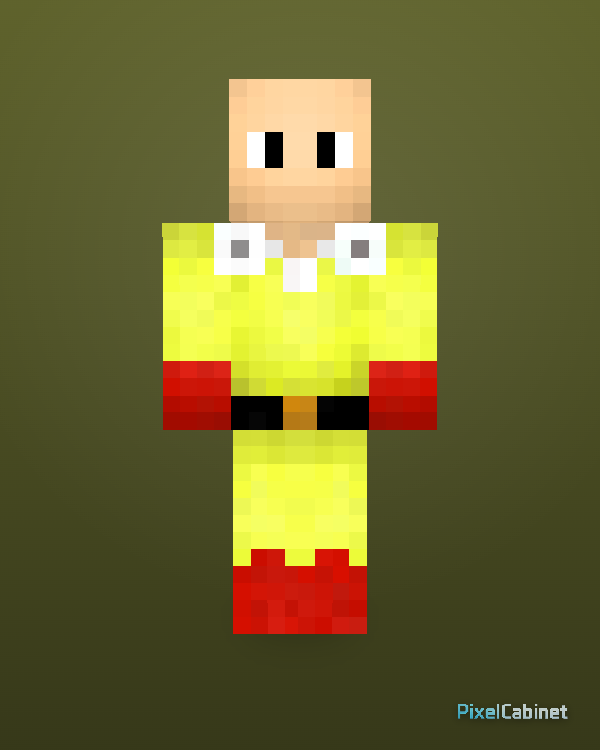
Featured, recent, and popular feeds with category shortcuts for faster remix entry points.
PixelCabinet is not only a skin gallery. It is a color-searchable Minecraft skin library where every published skin can be explored by palette, style, category, and similarity.
Featured
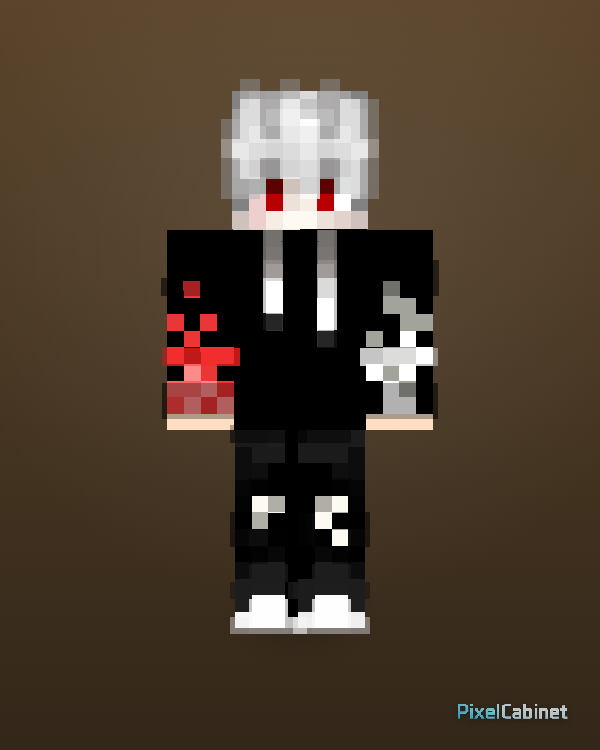
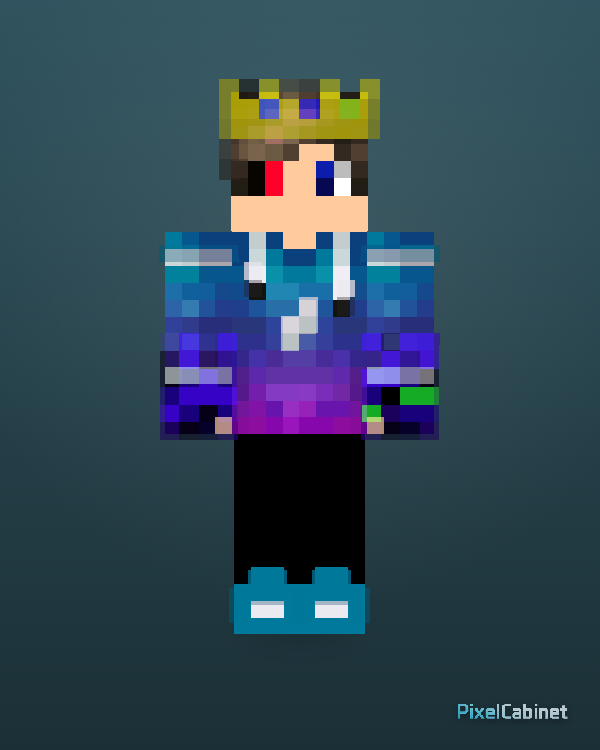
Recent
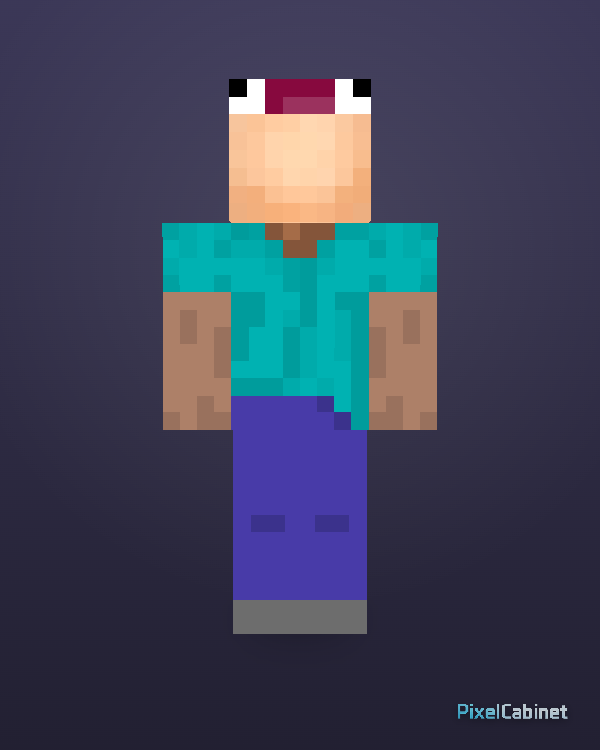
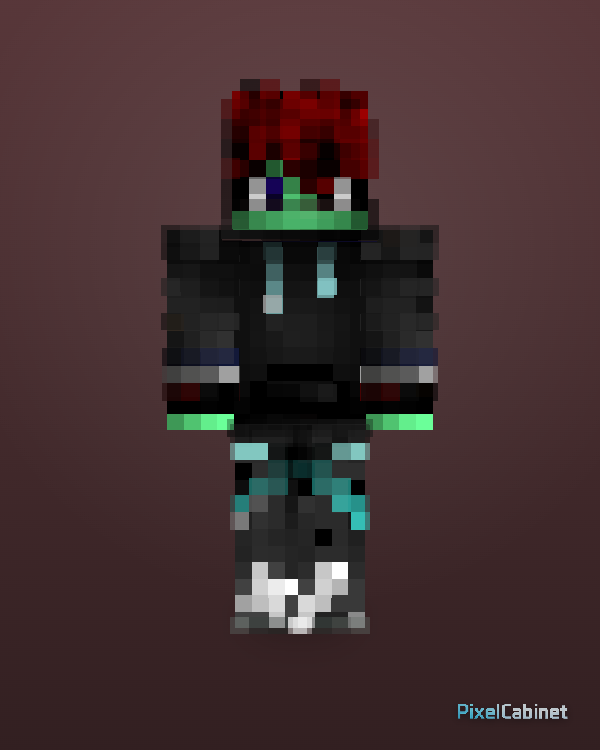
Popular
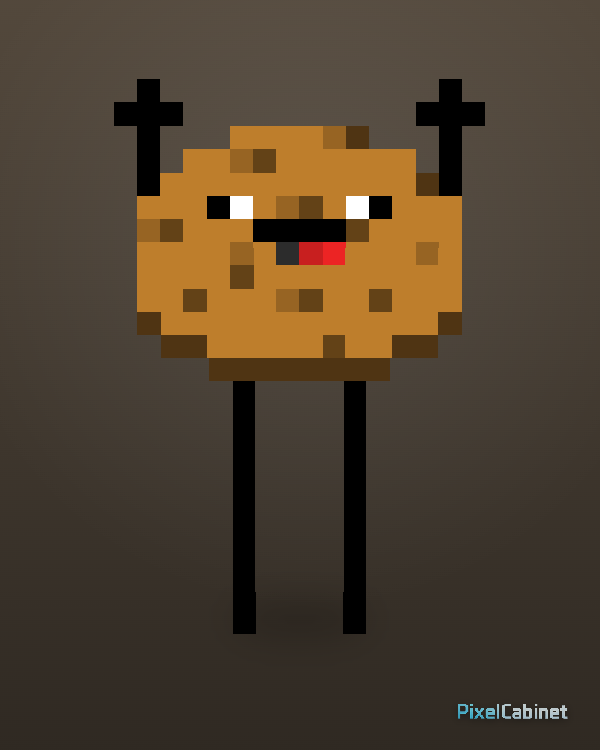
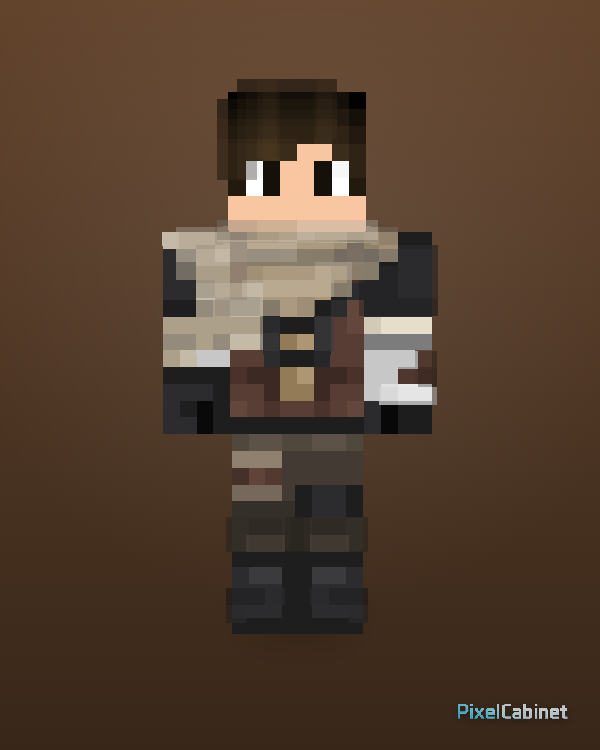
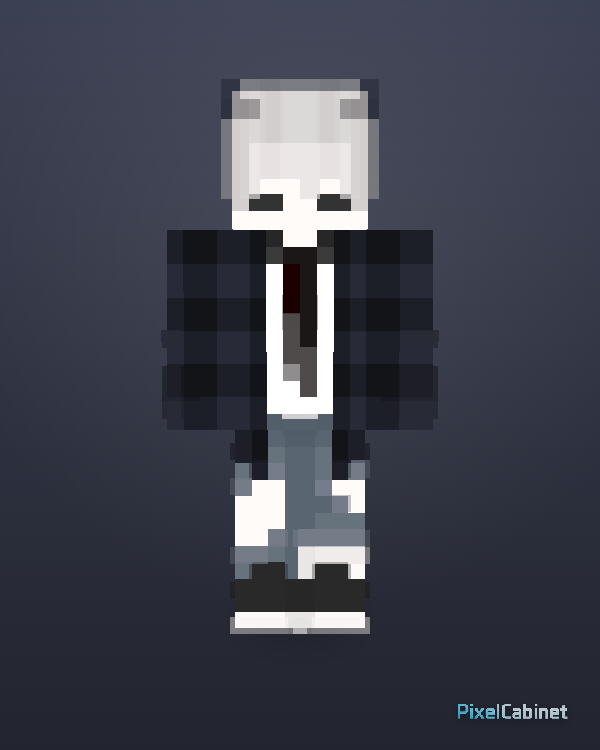
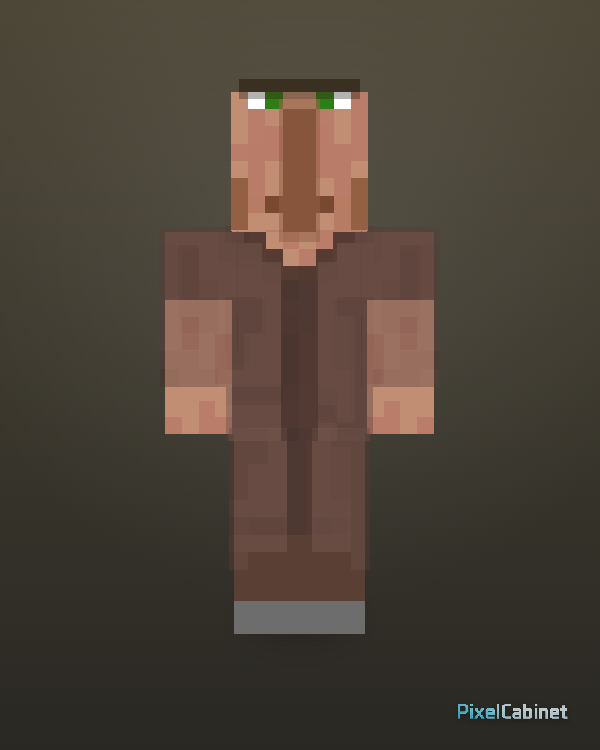
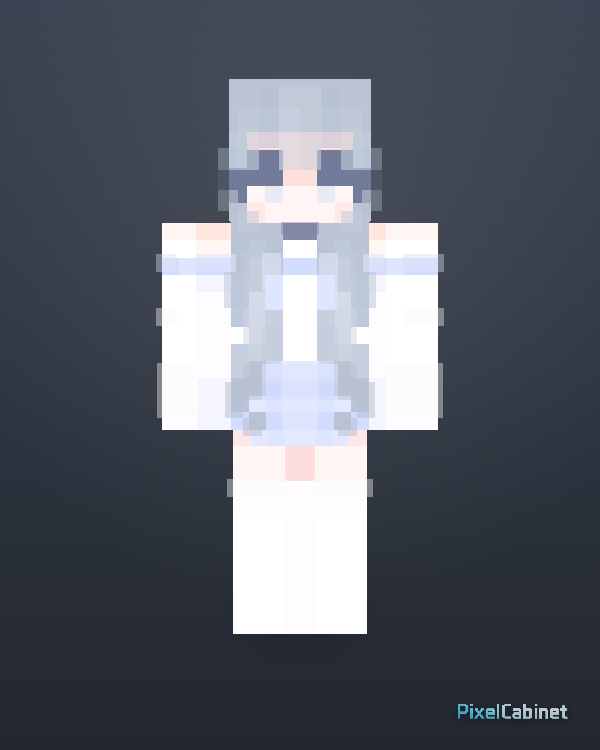
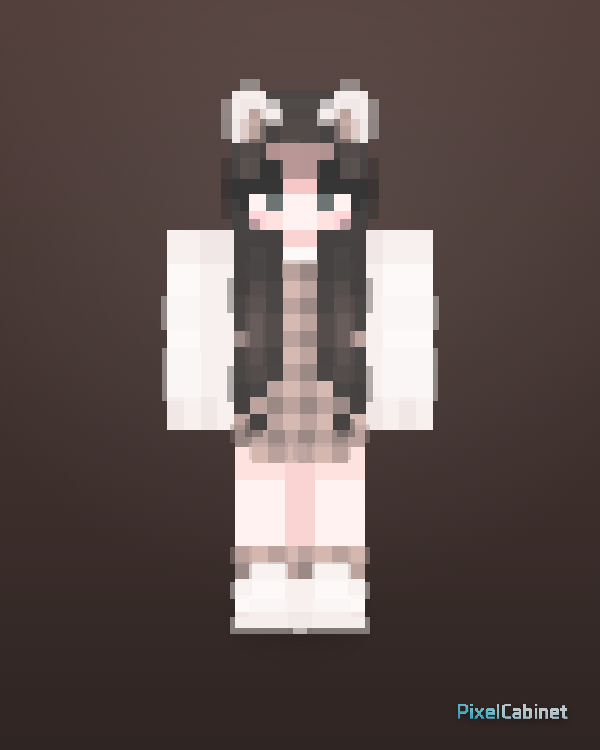
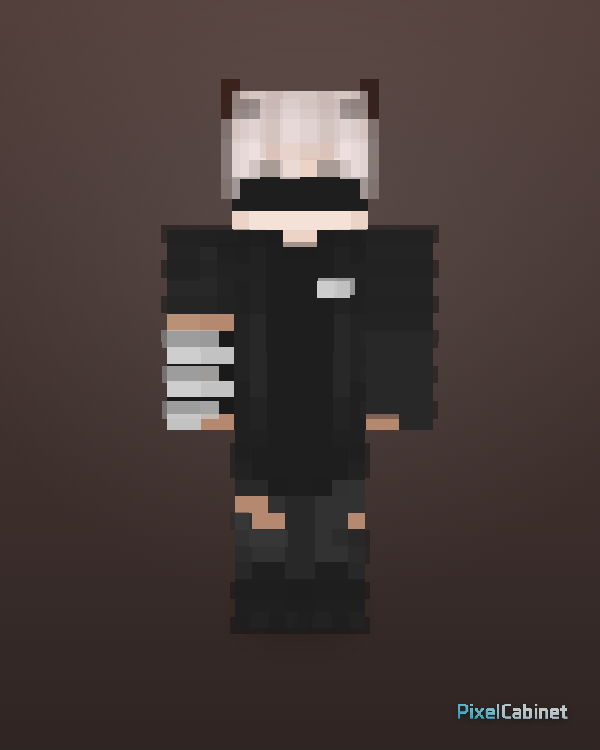
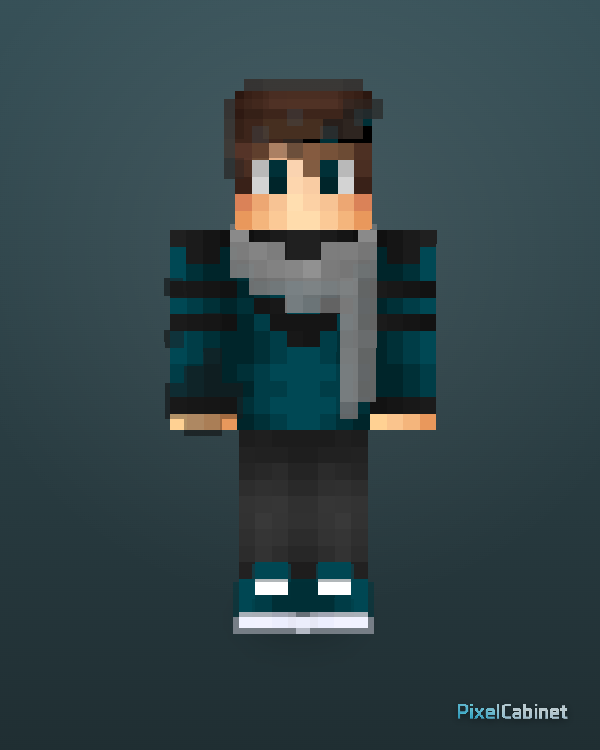
Find Minecraft Skins by Color
Search Minecraft skins by palette instead of only by name or category. Pick a HEX color to find similar skins, browse color families like blue, pink, black, and red, or explore visual styles such as dark, pastel, vibrant, neon, and high contrast. PixelCabinet analyzes the original skin PNG palette, so color search can find skins with similar outfit colors, hair colors, accents, and overall visual tone.
Search by HEX color
Pick a color
Browse popular skin colors
Explore visual styles
Popular color combinations
Outfits & themed collections
Combine skins and accessories into cohesive character styles.
Showcase — cabinet collections in 3D
Arrange multiple skins into a shareable 3D gallery page for portfolios and OC sets.
- Cabinet layouts optimized for browsing characters.
- Public links for creators and communities.
- Pairs well with skins discovered in the library.
Best when each slot uses a polished skin cover.
Stage — multi-character scenes
Place multiple skins into one playable scene with motion, paths, and lighting.
- Great for roster shots, dance clips, and machinima-style shorts.
- Share unlisted or public stage URLs.
- Combine Motion Lab poses with Stage layouts.
Stage vs Showcase
Showcase
Cabinet galleries for curated collections and portfolios.
Stage
Shared scenes with timing, camera motion, and cast blocking.
Why creators pick PixelCabinet
One browser workflow
Skin Lab, Motion Lab, Wallpaper, and Export stay connected.
3D-first editing
Spot mistakes early instead of discovering them in-game.
Shareable outputs
PNGs, GIFs, videos, showcases, and stages for communities.
Tips before you publish
- Rotate the preview — backs and sleeves matter.
- Check outer-layer hair and jackets separately.
- Capture a clean cover image for gallery cards.
- Match Classic vs Slim arms before exporting.
PixelCabinet Team
// Developer online
What are you making? What's getting in the way? What feature have you been wishing for? Tell us — the next version might be built for you.